
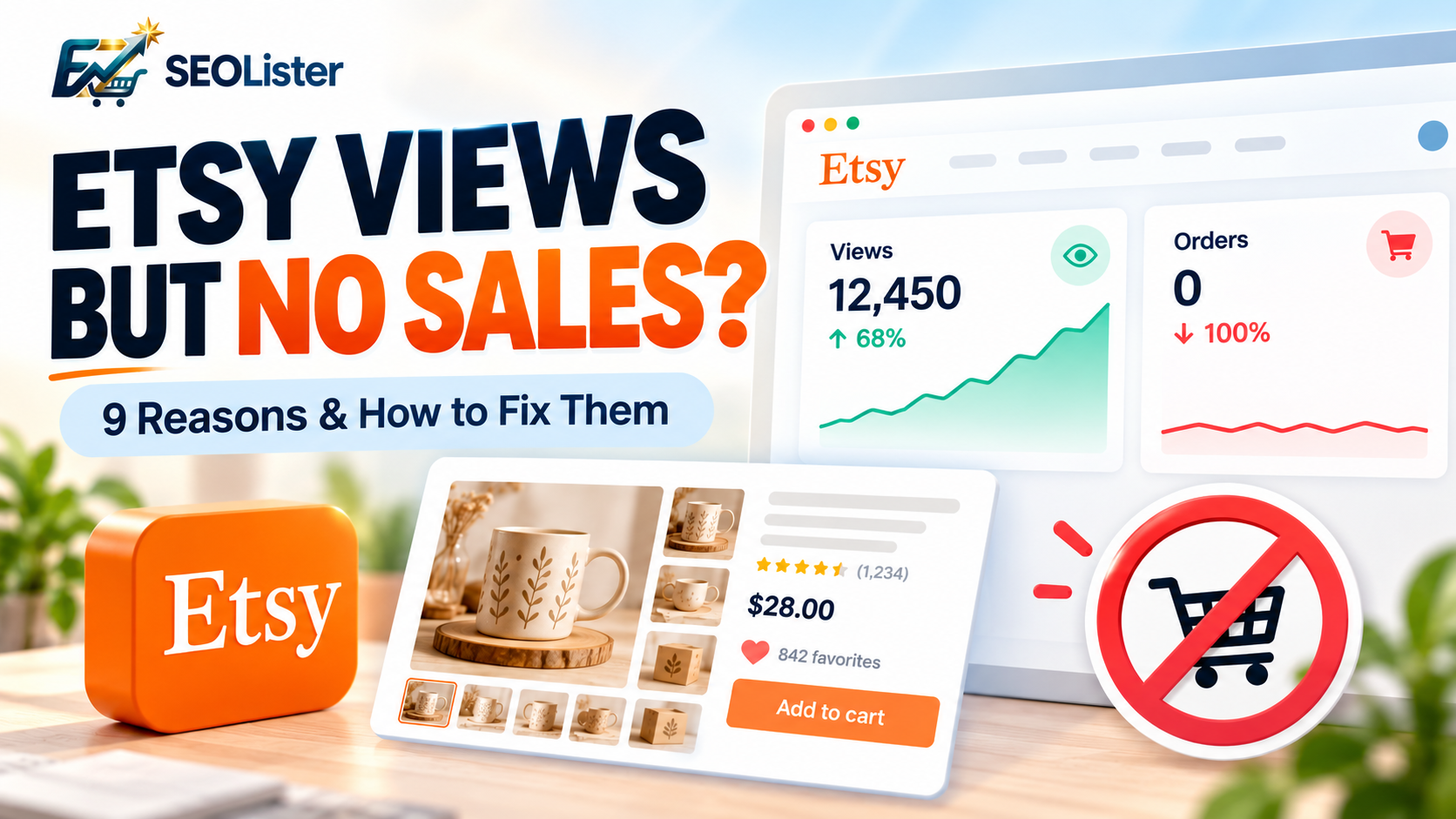
You publish a new Etsy listing, optimize the title, add relevant tags, and wait for orders. A few days later, you check your stats and see views coming in, but your sales dashboard is still empty.
It's frustrating, especially when you've invested time, money, and creativity into making your product.
The good news? Views without sales give you a starting point for understanding what might be wrong. The challenge is identifying where potential customers lose interest.
Sometimes the problem is your product photography. In other cases, shoppers find your listing through irrelevant keywords, consider the price too high, or cannot find enough information to feel confident buying.
The solution isn't always to get more traffic. It's to understand the traffic you already have and remove the obstacles preventing shoppers from purchasing.
In this guide, you'll learn nine common reasons Etsy listings receive views but no sales, how to diagnose each problem, and which improvements to prioritize first.
1. Your listing gets views from the wrong shoppers
Before changing your photos or lowering your prices, examine the people your listing attracts.
A listing can receive traffic without attracting shoppers who genuinely want to purchase that particular product.
For example, imagine you sell personalized wooden wedding signs, but your listing uses broad keywords such as "home decor," "wooden gift," and "wedding decoration."
These phrases may attract people looking for inexpensive decorations, ready-made signs, or products that serve a different purpose.
Even if they click your listing, they may leave when they realize it doesn't match their needs.
How to fix it
Start by reviewing the search terms and traffic sources bringing visitors to your product.
Ask yourself:
- Do the keywords describe the exact product I sell?
- Does the listing match the shopper's intended use?
- Are the product type, material, recipient, and occasion clearly communicated?
- Am I attracting people who are likely to buy, rather than people who are simply browsing?
Example
Instead of targeting only "wooden sign," use a more specific phrase such as "personalized wooden wedding welcome sign" when it accurately describes your product.
Specific keywords help communicate what you're selling and can attract shoppers with a clearer purchase intention.
Etsy considers listing titles, tags, categories, attributes, and other listing information when matching products with shopper searches.
Learn more in Etsy's official guide to how Etsy search works.
2. Your first product photo attracts clicks but doesn't build confidence
Your first photo helps shoppers decide whether to open your listing. The remaining photos help them decide whether to buy.
If your main image is blurry, poorly lit, cluttered, or difficult to understand, shoppers may struggle to recognize the product or judge its quality.
The opposite problem also occurs: an attractive lifestyle image earns clicks, but the actual product, included items, or customization options are unclear.
How to fix it
Create a product photo sequence that answers the questions a buyer would naturally ask.
| Photo | What it should communicate |
|---|---|
| Main image | What the product is |
| Close-up | Materials, texture, and craftsmanship |
| Lifestyle image | How the product looks in use |
| Size guide | Dimensions and scale |
| Variation image | Available colors, sizes, or styles |
| Personalization example | How customized details appear |
| What's included | Exactly what the customer receives |
| Packaging image | Presentation, if relevant |
Use clear, well-lit images that represent the actual product. Avoid adding unnecessary decorative elements that make it difficult to see what is for sale.
For digital products, clearly show the included files, page layouts, templates, or final designs. If a mockup is used, make it obvious what the customer receives digitally.
Etsy recommends high-quality listing photos and advises sellers to use additional images to help buyers make informed decisions.
Read Etsy's guide to creating listings that convert.
3. Your title contains keywords but doesn't clearly explain the product
Keyword optimization matters, but a title written entirely for search engines can make a listing harder to understand.
Consider this example:
Weak title:
Wooden Sign Wedding Decor Rustic Sign Personalized Gift Wedding Decoration Custom Sign
Improved title:
Personalized Wooden Wedding Welcome Sign, Rustic Ceremony Entrance Decor
The improved title communicates the product and its intended use more clearly while retaining relevant search terms.
How to improve your Etsy title
Follow these principles:
- Put the actual product name near the beginning.
- Include the most important distinguishing feature, such as material, style, or personalization.
- Add a relevant occasion or use when it helps shoppers understand the product.
- Avoid repetitive phrases and unrelated keywords.
- Make sure every claim accurately describes the item.
Don't assume that adding more keywords automatically produces more sales. A title needs to attract relevant shoppers and set accurate expectations.
Your title should also agree with your main image, product variations, and description. If the title promises a personalized product but the listing doesn't clearly explain the personalization process, buyers may hesitate.
4. Your product description leaves important questions unanswered
A shopper may like your photos and still decide not to buy because the listing doesn't provide enough information.
Imagine buying a personalized gift. You would probably want to know its dimensions, available materials, customization options, production time, and delivery estimate.
If these details are difficult to find, the buyer must guess or contact the seller. Some shoppers will leave instead.
How to structure a description that helps buyers decide
Use this simple framework.
1. Explain the product
Start with a clear sentence describing what the item is and who it is for.
2. Highlight its practical benefits
Explain what makes it useful, distinctive, or suitable for the intended occasion.
3. Provide essential specifications
Include dimensions, materials, colors, compatibility, file formats, or other relevant details.
4. Explain customization
Tell shoppers what they can personalize, which instructions they need to provide, and how to submit them.
5. Clarify delivery or download details
For physical products, explain processing and shipping information. For digital products, state what files are included and how customers access them.
6. Address common questions
Explain care instructions, usage limitations, compatibility, or return policies where relevant.
Example description opening
"Make your wedding entrance memorable with a personalized wooden welcome sign. Choose your preferred design and add the names or details requested in the personalization instructions. Review the available sizes, materials, and processing information before ordering."
Adapt this example to your actual product. Never promise features, delivery times, or materials that you cannot provide.
5. Your price doesn't match the value shoppers perceive
Price is not just a number. Buyers compare it with the quality, usefulness, uniqueness, and alternatives they can find.
A high price can be justified when the listing communicates premium materials, careful craftsmanship, customization, or meaningful benefits. However, shoppers may hesitate when the price seems high and the listing doesn't explain why.
A very low price can also create uncertainty if the product appears inconsistent with the quality implied by the photos.
How to evaluate your pricing
Compare your product with genuinely similar listings.
Consider:
- Product dimensions and materials
- Customization options
- Quantity included
- Craftsmanship and finishing
- Shipping costs
- Production or delivery timelines
- The overall shopping experience
Don't compare your item with every product in your category. A handmade personalized product and a mass-produced alternative may serve different buyers.
Test value before discounting
Before reducing your price, consider improving the product presentation.
For example, make the included items clearer, show the quality of the materials, provide a size comparison, or explain the personalization process.
If you test a price change, record the previous price, the new price, and the results over a meaningful period. Avoid changing several major variables simultaneously, or it becomes difficult to determine what helped.
6. Shipping costs and delivery expectations discourage purchases
A shopper may be happy with your product price but reconsider after seeing the total cost or estimated arrival date.
This is especially important for gifts, wedding products, seasonal decorations, and other purchases needed by a particular date.
What to check
- Are shipping charges clear and reasonable for the destination?
- Are processing times accurate?
- Can shoppers understand when their order is likely to arrive?
- Are shipping upgrades available when appropriate?
- Are product variations or personalization likely to affect fulfillment time?
For digital products, make sure the listing explains that it is a digital download and clearly identifies the files or access method provided.
For physical products, use accurate shipping settings and realistic processing times. Never promise a delivery date that your fulfillment process cannot reliably meet.
Etsy identifies shipping costs and processing expectations as factors that can influence a buyer's decision.
7. Your shop doesn't give buyers enough reasons to trust you
Buying online involves uncertainty. Customers cannot physically inspect your product before paying, so your listing and shop need to provide enough information to make the purchase feel safe.
New sellers may face an additional challenge because they have limited reviews or sales history.
However, a lack of reviews doesn't automatically mean a product cannot sell. You can still improve the clarity and professionalism of your shop.
Build confidence with these improvements
- Complete your shop profile and branding.
- Use a clear shop icon and professional banner.
- Write accurate shop policies.
- Explain how orders are produced, packaged, or delivered.
- Provide genuine product photos.
- Answer customer messages promptly.
- Include clear personalization and fulfillment instructions.
- Make your return and exchange policies easy to understand.
Never buy fake reviews or make unsupported claims about customer satisfaction.
Etsy's search visibility guidance explains how listing quality, shop quality, and customer service can affect search visibility.
8. Your listing is missing relevant tags, categories, or attributes
A listing may look excellent but still struggle to reach the right shoppers if its search information is incomplete.
Etsy uses listing information to match products with search queries. Titles alone are not the whole SEO strategy.
How to strengthen your listing SEO
Use all 13 tags where applicable. Etsy provides 13 tag slots. Fill them with relevant, varied phrases instead of repeating the same keyword unnecessarily.
Choose the most specific category. A precise category helps describe what the product is and may provide relevant attributes.
Complete applicable attributes. Select accurate details such as color, material, style, occasion, or other available attributes.
Use natural language. Think about how a customer would describe the product when searching.
Review your actual search traffic. Identify which search terms bring visitors and whether those terms accurately represent your product.
For example, a shop selling personalized pet portraits might use relevant phrases such as "custom pet portrait," "personalized dog gift," and "pet memorial artwork," provided each phrase genuinely fits the product.
Avoid adding popular but unrelated terms merely to increase impressions.
For a deeper explanation, read Etsy's Keywords 101 guide.
9. You're making too many changes without measuring results
One of the most common mistakes sellers make is changing titles, tags, photos, and prices all at once.
If sales improve, you won't know which change helped. If performance declines, you won't know which change caused the problem.
A more disciplined approach is to diagnose the problem, make a targeted improvement, and measure the outcome.
Use this simple testing process
Step 1: Record your baseline
Write down your listing views, visits, favorites, orders, revenue, and relevant traffic sources for a defined period.
Step 2: Identify the biggest weakness
If the listing receives very little traffic, investigate search relevance and visibility. If it attracts visitors but no orders, investigate product appeal, price, shipping, and trust.
Step 3: Make a focused change
For example, replace a confusing main photo or rewrite an unclear title. Avoid making unrelated changes at the same time.
Step 4: Allow enough time to collect useful data
Sales may be infrequent, especially for expensive or seasonal products. A few days of results may not be enough to draw a reliable conclusion.
Step 5: Compare the results
Look at changes in relevant traffic, favorites, orders, and conversion rate. Consider seasonality and other factors before attributing an improvement to one change.
Step 6: Keep learning
Apply useful lessons to similar listings, but remember that different products and audiences may respond differently.
There is no guaranteed number of views that produces a sale, and no single conversion rate is ideal for every Etsy shop.
How to diagnose Etsy views but no sales using your shop stats
Your Etsy Stats provide a starting point for deciding what to fix. Remember that visits and listing views are different metrics: one browsing session can generate multiple listing views.
Use this table to guide your next step.
| What you observe | What it might mean | What to investigate |
|---|---|---|
| Few views and no orders | Not enough relevant traffic yet | Search terms, titles, tags, categories |
| Many views but few favorites | Weak appeal or mismatched expectations | Main photo, product relevance, perceived value |
| Many favorites but no orders | Interest exists, but purchase barriers may remain | Price, shipping, details, timing |
| Many visits but no orders | Visitors aren't completing purchases | Product information, trust, total cost |
| Orders are increasing | The listing is converting | Preserve strengths and learn from performance |
| Sales suddenly decline | Conditions or listing performance may have changed | Traffic sources, seasonality, search visibility |
These are diagnostic clues, not definitive explanations. Favorites do not always lead to purchases, and a lack of favorites does not prove that a listing is poor.
Start with Etsy's Shop Stats glossary and guide to using Etsy Stats to understand the available metrics.
A practical 7-day Etsy listing improvement plan
You don't need to redesign your entire shop in one day. Start with your listings that receive meaningful traffic but aren't producing the results you expect.
Day 1: Review your data
Identify your most-viewed listings and review their visits, favorites, orders, and traffic sources. Choose one or two listings for closer examination.
Day 2: Audit the main photo
Check whether the product is immediately recognizable. Improve lighting, composition, clarity, or the way the product is presented if necessary.
Day 3: Improve the title and search relevance
Make the product type clear and remove irrelevant or repetitive keywords. Review tags, categories, and attributes for accuracy.
Day 4: Rewrite the description
Put the most important buying information near the beginning. Add missing specifications, personalization instructions, and delivery or download details.
Day 5: Review pricing and fulfillment
Compare genuinely similar products, evaluate the total cost to the buyer, and check whether your processing and shipping information is accurate.
Day 6: Strengthen trust
Review your shop information, policies, product photos, and customer communication. Address any missing or confusing details.
Day 7: Record your changes
Document what you changed and establish a follow-up date. Continue tracking results over an appropriate period instead of expecting immediate sales.
Important: This is a structured improvement plan, not a promise that sales will appear within seven days. Some listings need longer observation periods to generate enough data for meaningful decisions.
How Etsy listing optimization tools can help
Manually reviewing every title, tag, description, and product detail can become time-consuming when you manage dozens or hundreds of listings.
SEO tools can help organize that work by identifying missing information, suggesting relevant keyword variations, improving listing copy, and highlighting potential optimization opportunities.
When choosing a tool, look for features that support your workflow:
- Title optimization: Make product names clearer and improve keyword placement with the Etsy Title Generator.
- Tag suggestions: Discover relevant search phrases without resorting to keyword stuffing with the Etsy Tag Generator.
- Description assistance: Explain product benefits and answer common buyer questions with the Etsy Description Generator.
- Listing analysis: Identify missing details or opportunities to improve presentation with the Etsy Listing Analyzer.
- Performance review: Help you prioritize which listings deserve attention with the Etsy Shop Analyzer.
For example, sellers using SEOLister by EcomZenith can explore listing optimization workflows to help organize and improve their Etsy SEO efforts.
Remember that an optimization score or AI-generated suggestion is a guide, not a guarantee of ranking or sales. Always verify suggested keywords, product details, and claims before publishing changes.
Tools can make optimization more efficient, but your product, audience, pricing, presentation, and customer experience still matter.
Final thoughts: turn Etsy views into better buying opportunities
Getting views without sales can feel discouraging, but it gives you an opportunity to investigate how shoppers interact with your products.
Start by asking three questions:
- Am I attracting the right shoppers?
- Does my listing give them enough information and confidence to buy?
- Am I measuring the results of my improvements?
If your listings receive little traffic, focus on search relevance and visibility. If they attract relevant visitors but struggle to generate orders, examine product photography, descriptions, pricing, shipping, and trust.
Make targeted improvements, track the results, and use what you learn to improve your other listings.
The goal isn't simply to generate more Etsy views. It's to create listings that reach the right audience, communicate value clearly, and help shoppers make informed purchasing decisions.
More relevant traffic, clearer product information, and a stronger buying experience give you a better opportunity to convert visitors into customers.
No optimization strategy guarantees sales, but a consistent, data-informed approach gives you a much better foundation for growing your Etsy shop.
Frequently asked questions
Why does my Etsy shop get views but no sales?
Your listings may attract visitors without providing enough reasons to buy. Common factors include irrelevant search traffic, unclear product photos, pricing concerns, incomplete descriptions, shipping costs, and insufficient buyer confidence. Review your shop stats to identify which issue deserves attention first.
How many Etsy views should I get before making a sale?
There is no universal number. A listing's performance depends on its product category, price, audience, seasonality, traffic quality, and many other factors. Instead of relying on a fixed views-per-sale target, track your own conversion rate and compare performance across meaningful time periods.
Is getting views but no sales an Etsy SEO problem?
Not necessarily. SEO affects how your products match shopper searches, but conversion also depends on the product itself, its presentation, perceived value, shipping, and trust. If your traffic is irrelevant, improve search targeting. If visitors are well matched to your product, investigate the listing experience.
Should I delete and relist an Etsy product that isn't selling?
Not automatically. First review the listing and identify specific weaknesses. Improve the photos, title, description, tags, or other relevant details as appropriate. Etsy explains that new listings can receive a temporary search boost, but repeatedly renewing or recreating listings solely for that boost is not an effective long-term SEO strategy.
Do Etsy Ads solve the problem of views without sales?
Advertising may increase exposure, but it doesn't guarantee purchases. If your listing has unclear photos, weak product information, or an unattractive total price, paid traffic may not resolve those issues. Review your conversion barriers before increasing your advertising budget.
Can better product photos increase Etsy sales?
Clear, informative product photos can help shoppers understand what they're buying and evaluate whether it meets their needs. Show the actual product, its details, scale, variations, and relevant use cases. Better photography can help, but it cannot guarantee a sale on its own.
Do all 13 Etsy tags need to be used?
Etsy provides 13 tags per listing, and using all relevant tag slots gives you more opportunities to describe your product. Choose varied, accurate phrases rather than repeating the same words or using unrelated popular searches.
How long should I wait after optimizing a listing?
The appropriate period depends on traffic volume, purchase frequency, seasonality, and the changes you make. Allow enough time to gather meaningful data, and avoid judging a listing based on a handful of visits. For listings with very little traffic, work on visibility before drawing strong conclusions about conversion.
How can I tell whether my Etsy listing is improving?
Track relevant metrics such as visits, views, favorites, orders, revenue, traffic sources, and conversion rate. Compare similar time periods where possible, and account for seasonal changes. Look for consistent improvement rather than expecting every metric to increase immediately.
Related articles
Etsy SEO
How to Get More Views on Etsy: 10 Etsy SEO Tips That Work
Stuck under a trickle of views? Fix buried titles, mismatched tags, and weak photos so more shoppers actually land on your listings.
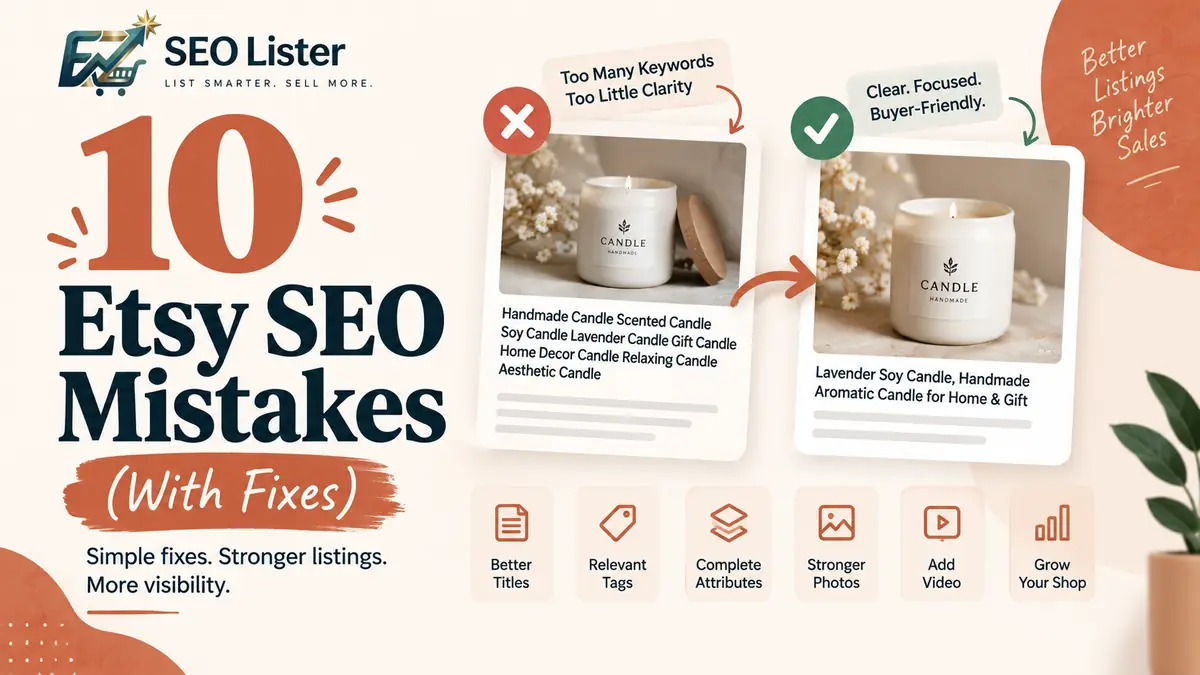
Etsy SEO
10 Etsy SEO Mistakes That Quietly Kill Visibility
Find common Etsy SEO mistakes, from weak titles and repetitive tags to missing attributes and thin photos. Learn practical fixes for listing visibility.

Etsy SEO
How to Write Etsy Titles That Get Found in 2026
Titles that sound clever but never rank? Learn keyword placement shoppers actually type so your listings show up before competitors do.