
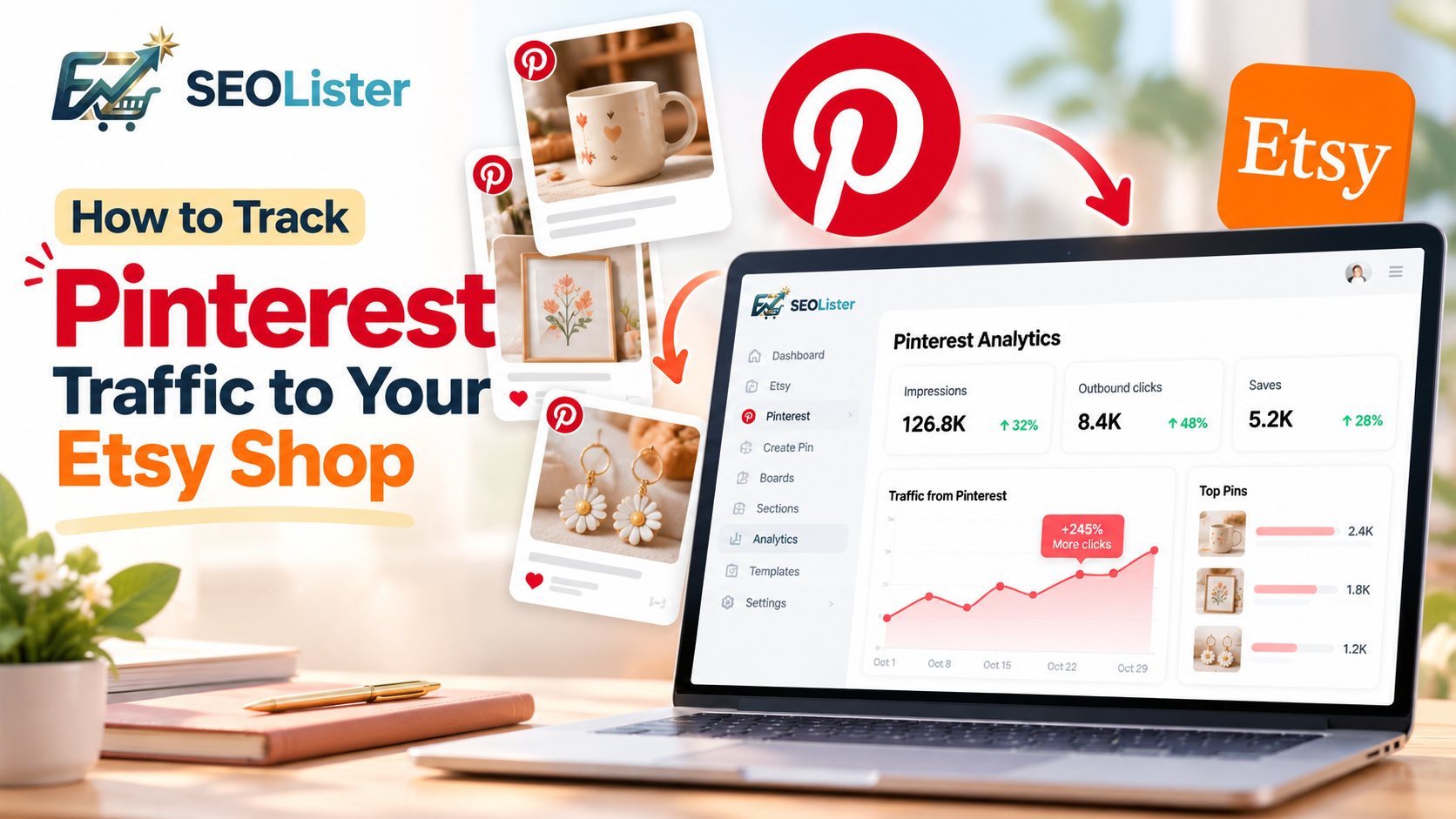
Pinterest can help Etsy sellers introduce their products to people searching for gift ideas, home décor inspiration, handmade products, and unique finds. However, creating pins is only the first step. To understand whether your Pinterest marketing is working, you need to track performance and check whether visitors are reaching your Etsy shop.
By reviewing Pinterest analytics and Etsy shop statistics, you can identify promising content, understand traffic patterns, and make better decisions about your marketing strategy.
With SEOLister, Etsy sellers can also connect Pinterest, create pins from Etsy listings, manage boards and sections, and check pin analytics without leaving their usual listing management workflow.
Why Should Etsy Sellers Track Pinterest Traffic?
Tracking Pinterest performance helps you understand what happens after you publish your product pins.
It can help you:
- Identify pins that attract attention and engagement.
- Review available outbound-click metrics.
- Understand which product categories interest Pinterest users.
- Compare Pinterest performance with traffic recorded in Etsy Stats.
- Decide which pins, boards, and product collections deserve further attention.
Remember that Pinterest engagement, Etsy visits, and sales are different measurements. A pin can receive impressions without generating clicks, and a click does not guarantee a purchase.
1. Understand the Pinterest Metrics That Matter
Before reviewing your results, understand what common Pinterest metrics mean.
| Metric | What it tells you |
|---|---|
| Impressions | How often a pin appeared on Pinterest |
| Saves | How often users saved a pin |
| Engagement | Interactions with a pin, according to the metric reported |
| Outbound clicks | Clicks from Pinterest to an external destination |
| Etsy visits | Visits recorded by Etsy |
| Orders and revenue | Sales activity recorded by Etsy |
For Etsy sellers, outbound clicks are particularly relevant because they indicate that users clicked through to an external destination. Make sure your pins link to the intended Etsy listing or shop.
Saves and impressions are also useful for understanding content performance, but they should not be treated as direct evidence of Etsy traffic or sales.
2. Check Pinterest Analytics
Pinterest analytics helps you review how your content performs on the platform. Depending on the metrics available to your account, you may be able to review impressions, saves, engagement, and outbound clicks.
Follow this process:
- Open Pinterest and navigate to its analytics area.
- Select a relevant date range.
- Review your pin performance.
- Identify pins receiving outbound clicks and compare them with pins that mainly receive impressions or saves.
- Look for patterns across products, seasonal content, and board themes.
- Use these observations to plan future pins.
For example, if your handmade candle pins receive more outbound clicks than your wall art pins during a particular period, investigate whether the images, product appeal, descriptions, or seasonal relevance could explain the difference.
Do not assume that one successful pin guarantees similar results from every product. Use analytics to identify patterns worth testing.
3. Check Pinterest Traffic in Etsy Stats
Pinterest analytics tells you about performance on Pinterest. To understand activity recorded inside your Etsy shop, review Etsy Stats as well.
To get started:
- Sign in to your Etsy seller account.
- Open Shop Manager.
- Navigate to Stats.
- Choose a date range matching the period you reviewed on Pinterest.
- Review available traffic sources and shop activity.
- Compare visits and listing activity with your Pinterest performance.
The exact traffic-source details available may vary. If Pinterest is not separately identified in your report, do not assume all external traffic came from Pinterest.
Look for changes in shop visits, listing activity, and orders during the same period. These comparisons can help you evaluate whether Pinterest activity may be contributing to your shop's traffic, although they do not prove that Pinterest caused every visit or sale.
4. Create and Manage Pinterest Pins From SEOLister
Tracking performance is easier when your pin management workflow is organized. SEOLister's Pinterest integration brings several Pinterest tasks into one workspace.
Connect your Pinterest account
Connect Pinterest through Settings → Channels or the Dashboard's Channels area. Once connected, you can access the Pinterest workspace available for your account.
If your connection expires, SEOLister provides a reconnect flow.
Create pins from Etsy listings
Instead of selecting product information from different places, you can create pins from your existing Etsy listings inside SEOLister.
The workflow lets you:
- Open the Pinterest Pins section.
- Start creating pins from Etsy listings.
- Select the listings you want to promote.
- Choose a Pinterest board and optionally a board section.
- Create the pins through the integration.
This connects your pin creation workflow to products you already sell.
Manage existing pins
SEOLister also lets you view pins in a grid or table, search and sort them, refresh pin data, open pin details, and edit or delete pins.
Keeping pins organized helps you review your content and maintain accurate product destinations.
5. Check Pinterest Pin Analytics Inside SEOLister
You can also review Pinterest pin analytics directly inside SEOLister.
The integration includes an analytics view with charts and panels for the performance information available for your pins. This allows you to review pin analytics within the same workspace where you manage your Pinterest content.
To check pin analytics:
- Connect your Pinterest account.
- Open the Pins section in SEOLister.
- Find the pin you want to review.
- Open its available analytics view.
- Review the charts and performance information displayed.
Use these insights to identify content worth reviewing, compare performance over time, and guide future pin creation.
The specific metrics available depend on the analytics data provided by the integration. Pinterest pin analytics should not be confused with direct attribution of Etsy visits or orders.
The advantage: You can connect Pinterest, create pins from Etsy listings, manage boards and sections, and review available pin analytics from one connected workspace.
Explore the integration at SEOLister.
6. Organize Pinterest Boards and Sections
Pinterest boards help group related content into collections. Etsy sellers can organize pins around product categories, customer interests, seasonal occasions, and gift ideas.
For example, a handmade home décor shop might create boards for:
- Handmade Home Décor
- Personalized Housewarming Gifts
- Minimalist Wall Art
- Christmas Decorations
- Bestselling Products
With SEOLister, you can create, edit, delete, and view boards, as well as manage sections within boards.
Organized boards make your content easier to manage and provide a structured way to group pins. When the available analytics support useful comparisons, you can also review performance across different content themes.
Creating more boards does not automatically increase traffic. Focus on relevant collections, accurate links, and useful product content.
If you are still building your pinning habit, start with how to use Pinterest to drive traffic to your Etsy shop.
7. Turn Your Analytics Into Action
Tracking becomes valuable when you use the results to improve your marketing.
Follow this simple workflow:
Step 1: Review performance. Identify pins with meaningful impressions, saves, or outbound clicks.
Step 2: Verify destinations. Confirm that each pin links to the correct Etsy listing and that the product is available.
Step 3: Compare content themes. Look for patterns across product types, seasonal topics, images, and boards.
Step 4: Review Etsy Stats. Check whether your shop recorded visits or orders during the same period.
Step 5: Improve your next pins. Test clearer titles, more representative product photos, better-matched destinations, or more relevant board organization.
Step 6: Review again. Use consistent date ranges and allow enough time to identify meaningful patterns.
Avoid changing everything at once. Testing a few improvements at a time makes it easier to understand what may be contributing to a change in performance.
Common Pinterest Traffic Tracking Mistakes
Avoid these common mistakes when evaluating your Pinterest strategy:
- Confusing impressions with traffic: Impressions show exposure, not Etsy visits.
- Assuming saves mean sales: A save does not guarantee a click or purchase.
- Ignoring Etsy Stats: Pinterest metrics alone cannot confirm visits recorded by Etsy.
- Using incorrect destination links: Pins should lead to the intended product or shop.
- Comparing different date ranges: Matching periods make comparisons more useful.
- Expecting immediate results: Performance can vary by product, season, and audience.
Final Thoughts
Pinterest can be a valuable discovery channel for Etsy sellers, but publishing pins is only one part of an effective strategy. Review pin performance, keep destinations accurate, check Etsy Stats, and use the results to improve your next round of content.
With SEOLister, you can connect Pinterest, create pins from your Etsy listings, manage boards and sections, organize existing pins, and review available pin analytics from one workspace.
The goal is not simply to publish more pins. It is to understand what attracts attention, what earns clicks, and how Pinterest can help potential customers discover your Etsy products.
Useful Resources
Frequently asked questions
How can I track Pinterest traffic to my Etsy shop?
Review Pinterest analytics for available outbound-click metrics, then check Etsy Stats for visits and traffic-source information. Compare matching date ranges to understand whether Pinterest activity may be contributing to your shop traffic.
Can I check Pinterest pin analytics in SEOLister?
Yes. SEOLister includes pin analytics with charts and panels. You can review the available performance information inside the app while managing your Pinterest pins.
Can I create Pinterest pins from Etsy listings in SEOLister?
Yes. You can select Etsy listings, choose a board and optionally a section, and create pins through the Pinterest integration.
Can I manage Pinterest boards and sections in SEOLister?
Yes. You can create, view, edit, and delete boards and manage their sections within SEOLister.
Does Pinterest traffic guarantee Etsy sales?
No. Traffic does not guarantee sales. Product appeal, pricing, listing photos, descriptions, shipping details, and buyer expectations can all influence purchasing decisions.
How often should I check Pinterest analytics?
A weekly or monthly review can be useful, depending on how frequently you publish pins. Use consistent date ranges and look for meaningful patterns rather than reacting to small daily changes.
Related articles

Etsy Marketing
15 Pinterest Content Ideas for Etsy Sellers
Discover 15 Pinterest content ideas for Etsy sellers, from product pins and gift guides to seasonal boards. Learn how to create pins and track performance with SEOLister.
Etsy Marketing
How to Use Pinterest to Drive Traffic to Your Etsy Shop
Want Etsy traffic beyond search? Learn how to set up Pinterest, create SEO-friendly pins, organize boards, and send shoppers to listings that convert.

Etsy SEO
How to Get More Views on Etsy: 10 Etsy SEO Tips That Work
Stuck under a trickle of views? Fix buried titles, mismatched tags, and weak photos so more shoppers actually land on your listings.