
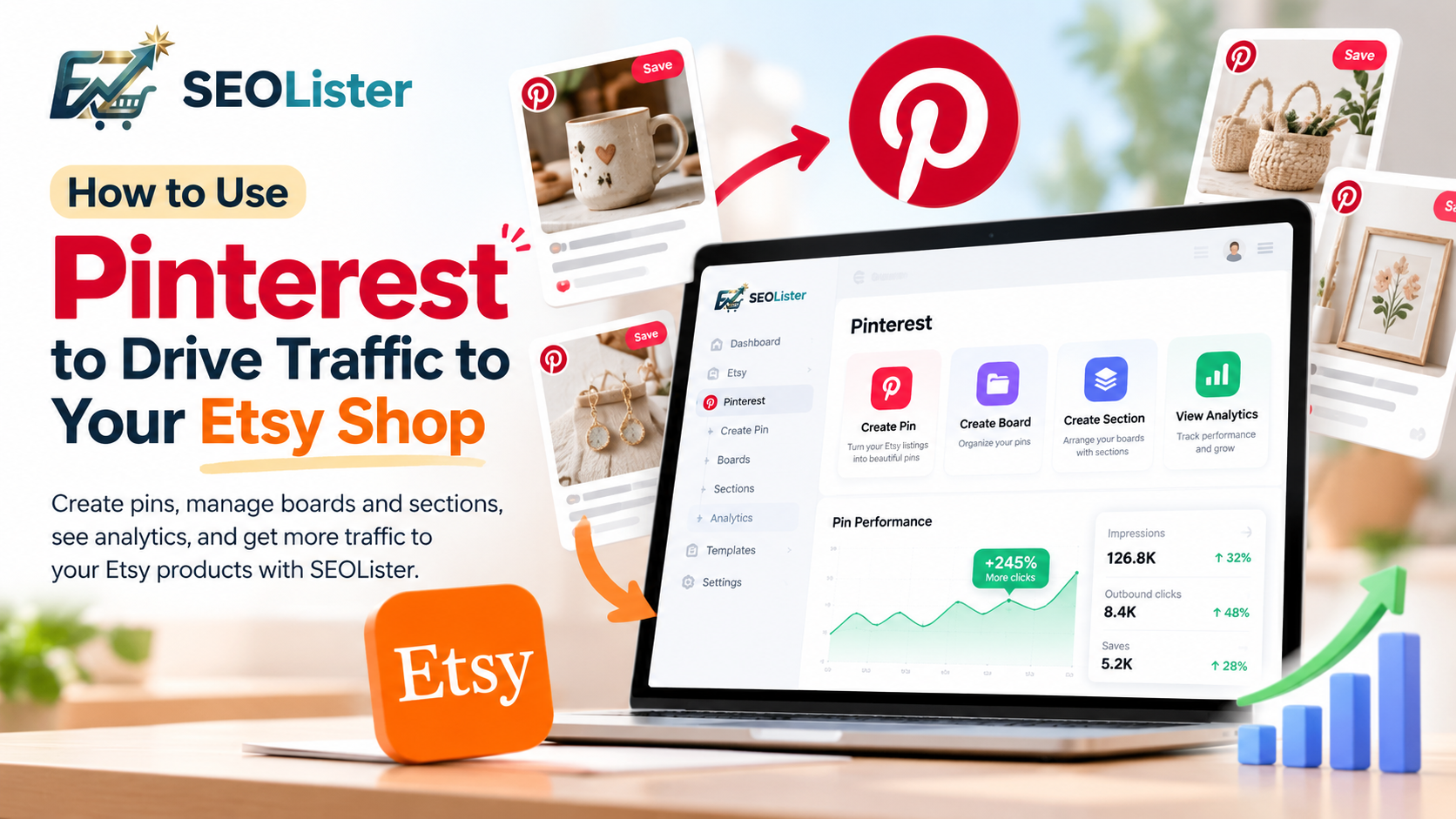
Etsy search is powerful—but it is not the only way shoppers find handmade products.
Pinterest is a visual discovery engine. People open it to plan gifts, home projects, weddings, outfits, and décor long before they buy. That planning mindset makes Pinterest one of the strongest free channels for sending new visitors to your Etsy shop.
This guide shows how to use Pinterest to drive traffic to your Etsy shop: set up your account, research keywords, design pins that get clicked, organize boards, track results, and keep your Etsy listings ready to convert.
Why Pinterest Works for Etsy Sellers
Unlike social feeds built for short-lived posts, Pinterest content can keep circulating for months. A strong pin can resurface when seasons change or when someone searches a related idea.
Pinterest helps Etsy sellers because:
- Shoppers already browse with purchase or project intent
- Vertical product photos fit the platform’s mobile-first layout
- Pins can link directly to Etsy listings
- Boards let you group products by niche, season, or occasion
- Fresh creatives for the same listing can reach different searches
Traffic only matters if listings convert. Pair this strategy with solid Etsy SEO so visitors who click through find clear titles, tags, photos, and descriptions.
Stats: Pinterest Is a Top Social Traffic Source for Etsy
If you only look at Etsy search, it is easy to underestimate off-platform discovery. Across public analyses of Etsy’s social referrals, Pinterest often ranks near the top—and for many handmade and digital sellers, it becomes one of the largest self-driven traffic sources once pinning is consistent.
What the data and seller case studies commonly show:
- Social referral mix: Analyses citing Similarweb-style social traffic snapshots have reported Pinterest around ~30% of Etsy’s social referrals, ahead of Facebook in those windows (YouTube often sits close behind as video discovery). Exact shares change over time, but the pattern is consistent: Pinterest is not a minor channel for Etsy.
- Seller-reported share: Experienced Etsy sellers frequently report that a large slice of the traffic they bring themselves comes from Pinterest. In Jenny’s Boutique’s walkthrough, she shows shop stats and explains that about 35% of the traffic she drove on her own came through Pinterest—more than Instagram, even with fewer followers.
- Evergreen compounding: Unlike a feed post that disappears in a day, pins can keep earning saves and outbound clicks for weeks or months. That is why sellers often say results “build slowly, then stick.”
Use these numbers as directional proof—not a guarantee for every niche. Always compare against your Etsy Stats → Traffic sources after you start pinning.
Watch: sellers showing Pinterest → Etsy traffic
Jenny walks through her shop traffic breakdown and a simple Business-account workflow for sending Pinterest visitors to Etsy.
A practical overview of using Pinterest boards and product pins to grow Etsy visibility beyond on-site search.
A 2026-oriented beginner tutorial focused on buyer-intent keywords and pins linked to products.
Step 1: Set Up Pinterest for Selling
Use a Business account
Switch to (or create) a Pinterest Business account so you can:
- Access pin and profile analytics
- Claim and manage destination links more clearly
- Track impressions, saves, and outbound clicks
Align your profile with your shop
Treat your profile like a mini storefront:
- Use a clear display name that includes your niche when it fits
- Write a bio that names your product categories and points people to Etsy
- Use a recognizable profile photo or logo that matches your shop branding
Point every pin at the right Etsy URL
Each pin should link to a specific listing (or a tightly related collection) when possible. Generic homepage links waste intent—if someone tapped a ceramic mug pin, send them to that mug listing.
Step 2: Research Keywords on Pinterest and Etsy Together
Keyword research connects Pinterest discovery with Etsy conversion.
Start inside Pinterest search
- Type a core product idea into the Pinterest search bar.
- Note autocomplete suggestions and related searches.
- Capture phrases that sound like planning or buying language (gift ideas, room styles, occasions, materials).
Cross-check with Etsy
Compare those phrases with your listing titles and tags.
- Keep overlaps that describe the real product
- Prioritize specific, buyer-focused terms over vague single words
- Update weak Etsy titles or tags when Pinterest reveals clearer buyer language
For listing keyword craft, see the Etsy Tags Guide and How to Write Etsy Titles That Get Found.
Build a simple keyword system
You do not need a complex spreadsheet. For each product family:
- Assign one primary keyword per board
- Choose one main phrase per pin, plus a couple of natural variations
- Repeat the core idea across profile, board, title, and description—without stuffing
Step 3: Create Pins That Earn Clicks
Design for how people browse
Most Pinterest users are on mobile. Pins that perform well tend to:
- Use a vertical aspect ratio
- Show the product clearly in good lighting
- Keep one focal idea per creative
- Include readable text only when it adds clarity
- Feel inspiring without hiding what is for sale
Make multiple pins per listing
One listing should not rely on a single pin forever.
Create several distinct creatives using:
- Different product photos or angles
- Lifestyle vs. product-only crops
- Alternate headlines or benefit framing
- Seasonal or gift-focused variations
Fresh, unique pins give you more chances to appear in search. Avoid repeatedly uploading the exact same image.
Write searchable titles and descriptions
Put your primary keyword in the pin title when it reads naturally.
In the description:
- Explain what the product is
- Add context (material, style, occasion, recipient)
- Include a clear call to action such as “Shop this listing on Etsy”
- Keep the language helpful—not a wall of repeated keywords
Fill alt text with a concise, accurate description of the image so Pinterest can understand the visual content.
Step 4: Organize Boards That Match Search Intent
Boards are not just folders—they help Pinterest understand your niches.
Strong board practices:
- Name boards with searchable phrases (
Handmade Ceramic Mugs, not onlyShop Vibes) - Write a short board description that uses related keywords naturally
- Save pins to boards that match the pin’s topic
- Spread publishing over time instead of dumping everything onto one board in a single burst
Useful board themes for Etsy shops include:
- Product type (jewelry, prints, candles)
- Occasion (wedding gifts, baby shower)
- Season (fall home décor, holiday ornaments)
- Style (minimalist, rustic, cottagecore)
- Bestsellers or new arrivals
Step 5: Publish Consistently and Review Analytics
Consistency beats one-off bursts.
A practical weekly rhythm:
- Create or refresh a few unique pins from active listings
- Save them to the most relevant boards
- Check which creatives earn saves and outbound clicks
- Make more of what works; retire weak designs
Metrics that matter for Etsy traffic
| Metric | Why it matters |
|---|---|
| Outbound clicks | Closest signal that Pinterest sent people toward your Etsy listing |
| Saves | Shows people want to keep the idea—helpful for distribution |
| Impressions | Reach only; useful when paired with click rate |
| Etsy traffic sources | Confirms whether Pinterest visits appear in your shop stats |
A pin with modest impressions and strong clicks is usually more valuable than huge reach with almost no clicks.
Also review your Etsy listing after traffic arrives. If Pinterest sends views but few sales, fix photos, titles, pricing clarity, or description gaps—see How to Get More Views on Etsy.
Step 6: Make Sure Your Etsy Listings Convert the Traffic
Pinterest can fill the top of your funnel. Your listing has to finish the job.
Before you scale pinning, confirm each promoted listing has:
- A clear, buyer-focused title
- All relevant tags filled
- Accurate category and attributes
- Strong primary and secondary photos
- A useful description that answers purchase questions
Use the Etsy SEO checklist before you push a product hard on Pinterest.
A Simple Pinterest-for-Etsy Workflow in SEOLister
Manually rebuilding pins from every listing gets slow as your catalog grows.
With SEOLister’s Pinterest channel, you can:
- Connect Pinterest in Settings → Channels
- Create pins from Etsy listings—pull photos, titles, and destination links
- Organize boards by season, niche, or collection
- Keep pin destinations pointed at the right shop listings
That keeps discovery work next to your listing workflow instead of scattered across tools.
Common Mistakes That Kill Pinterest Traffic
- Pinning once and never refreshing creatives
- Using only branded board names that nobody searches
- Linking every pin to the shop homepage
- Keyword stuffing titles and descriptions
- Promoting incomplete or unclear Etsy listings
- Judging success by impressions alone
- Posting the same image repeatedly without meaningful variation
Pinterest + Etsy Checklist
Before you call your strategy “live,” check:
- Pinterest Business profile is complete and on-brand
- Pins link to specific Etsy listings
- Primary keywords appear naturally in titles and descriptions
- Boards are named for searchable niches
- Multiple unique pins exist for key products
- Analytics reviewed for outbound clicks and saves
- Target Etsy listings are SEO-complete and conversion-ready
Drive Discovery on Pinterest—Convert on Etsy
Pinterest will not replace Etsy SEO. It multiplies it.
Use Pinterest to put inspiring product images in front of people who are already planning. Use Etsy SEO and listing quality to turn those clicks into favorites, carts, and orders.
Start with your bestsellers, create a few distinct pins for each, save them to searchable boards, and improve the creatives that earn outbound clicks.
Frequently asked questions
Can Pinterest drive traffic to an Etsy shop?
Yes. Pinterest is a visual discovery platform where shoppers plan purchases. Public social-referral analyses often place Pinterest near the top of Etsy’s social traffic mix (around ~30% in some Similarweb-style snapshots), and many sellers report Pinterest as a large share of the traffic they drive themselves.
Does most of Etsy’s social traffic come from Pinterest?
Pinterest is frequently one of the strongest social referral sources to Etsy in published traffic breakdowns—often around three in ten social visits in those snapshots—though rankings and percentages change over time. Check your own Etsy Stats Traffic sources for what is true in your shop.
Do I need a Pinterest Business account for Etsy?
A Pinterest Business account is the better option for sellers because it unlocks analytics, richer pin tools, and clearer tracking of impressions, saves, and outbound clicks to your listings.
How many pins should I create per Etsy listing?
Create several distinct pins per listing using different photos, crops, or headlines. Fresh, unique creatives give you more chances to appear in search without repeatedly posting the exact same image.
What Pinterest metrics matter for Etsy sellers?
Prioritize outbound clicks and saves, then review impressions. A pin with fewer impressions but strong clicks is usually more valuable than high reach with almost no clicks to your Etsy listing.
Should Pinterest keywords match my Etsy SEO keywords?
Yes when the intent overlaps. Align pin titles and descriptions with how people search on Pinterest and how buyers search on Etsy, but never force a keyword that does not fit the product.
Can SEOLister help with Pinterest for Etsy?
Yes. SEOLister’s Pinterest channel lets you connect your account, create pins from Etsy listings, organize boards, and keep destination links pointed at your shop.
Related articles
Etsy Marketing
15 Pinterest Content Ideas for Etsy Sellers
Discover 15 Pinterest content ideas for Etsy sellers, from product pins and gift guides to seasonal boards. Learn how to create pins and track performance with SEOLister.
Etsy Marketing
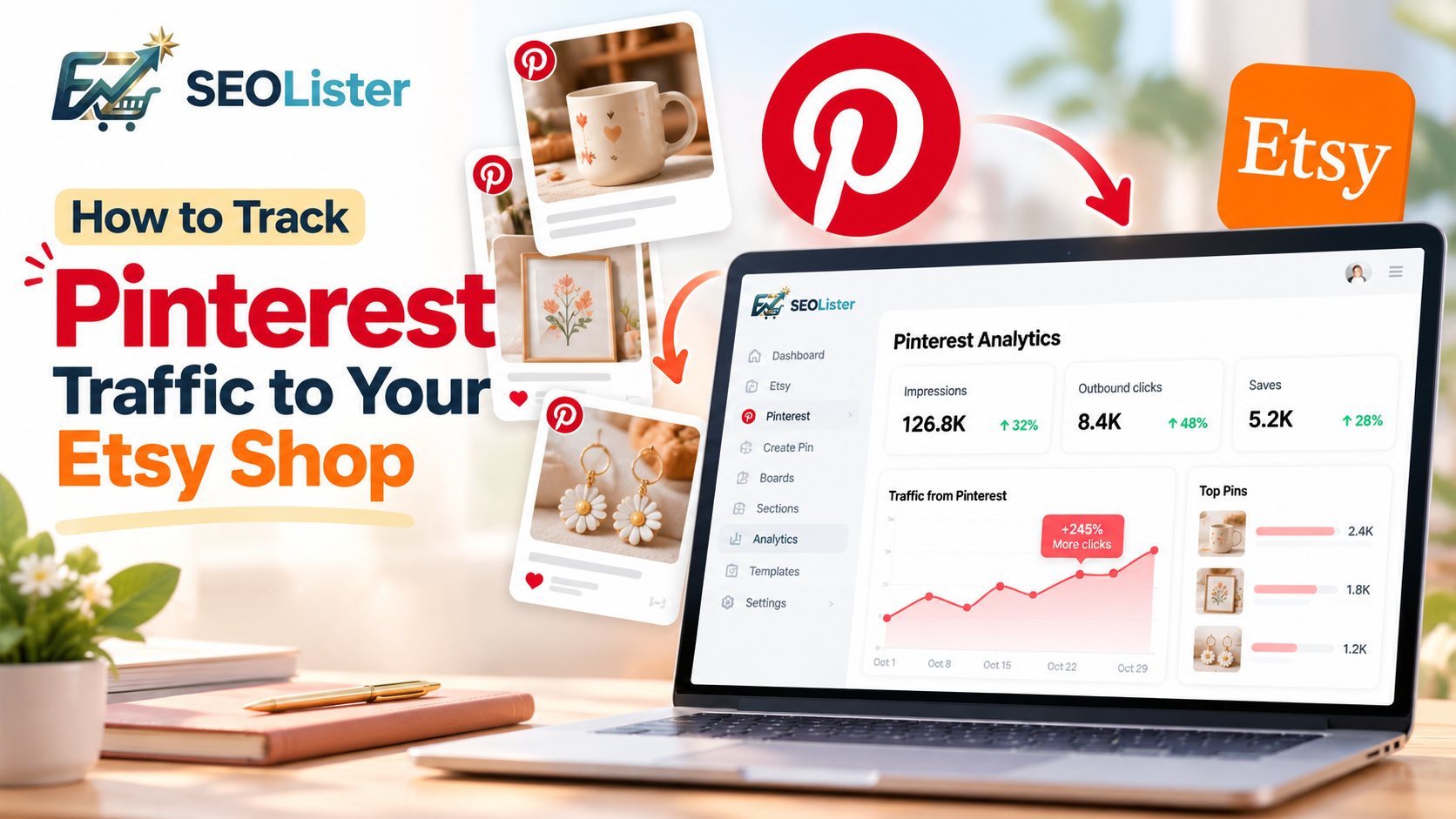
How to Track Pinterest Traffic to Your Etsy Shop
Learn how to track Pinterest performance, understand Etsy traffic, analyze pins, manage boards, and grow your Pinterest marketing workflow with SEOLister.
Etsy SEO
How to Get More Views on Etsy: 10 Etsy SEO Tips That Work
Stuck under a trickle of views? Fix buried titles, mismatched tags, and weak photos so more shoppers actually land on your listings.