
SEOLister Now Supports Up to 3 Etsy Listing Variations
SEOLister now supports up to three variation types per Etsy listing, giving sellers more room to describe the choices buyers can make before ordering.
Etsy's official update introduced the ability to add a third variation, with examples such as size, color, and style. SEOLister's updated listing workflow supports those three variation types, helping sellers prepare product options as part of the listing process.
What does "three variations" mean?
A variation type is one category of choice a buyer can select. For example:
- Size: Small, Medium, Large
- Color: Black, White, Blue
- Style: Classic, Minimal, Floral
A listing with all three types lets a buyer choose one option from each category. That is different from offering only three individual choices.
Etsy's Help documentation explains that sellers can add up to three item attributes as variations. The available variation types depend on the listing category. See Etsy's variation guide.
How SEOLister's variation workflow works
SEOLister lets you choose up to three attributes, add the available options for each, and confirm to build the variation matrix.
The workflow helps you:
- Select the variation attributes that apply to the product.
- Add the options buyers can choose for each attribute.
- Confirm the attributes to generate the available combinations.
- Review the matrix before publishing.
- Edit variant-level details such as SKU, price, inventory, and image links.
Review the generated combinations carefully. A matrix can grow quickly when you add more options. For example, four sizes, three colors, and two styles create 24 possible combinations.
When you prepare the listing in SEOLister, make sure every combination represents an option you can actually produce and fulfill.
Two examples of using three variation types
Example 1: Personalized T-shirt
A seller offers the same T-shirt design in different sizes, colors, and print styles.
| Variation type | Example options |
|---|---|
| Size | S, M, L, XL |
| Color | Black, White, Sage |
| Print style | Front print, Back print |
A buyer can choose the size, color, and print style they want before adding the shirt to their cart.
If the print style changes the price or requires separate inventory, reflect that in the relevant variant details. If the buyer also needs to provide a name or message, use personalization for that custom text instead of adding it as a variation.
Example 2: Custom notebook
A seller offers a notebook with different sizes, cover colors, and binding styles.
| Variation type | Example options |
|---|---|
| Size | A5, A6 |
| Cover color | Cream, Navy, Terracotta |
| Binding | Spiral, Hardcover |
This setup lets the buyer select a notebook configuration from the options offered in the listing. The seller can then review inventory and pricing for each combination.
When should you use variations?
Use variations when buyers are choosing from a set of predefined options for the same product, such as:
- Size
- Color
- Material
- Finish
- Style
- Binding
Etsy notes that variations can be used for choices that affect price, inventory, processing profile, or SKU. Choose options that accurately describe the product and that you can fulfill.
Use personalization instead when buyers need to provide custom details, such as:
- A name
- A date
- A short message
- Engraving text
- An uploaded image
Etsy treats variations and personalization as different listing features. Review Etsy's guidance.
Tips for managing a three-variation matrix
Adding a third variation can make a listing more flexible, but it also creates more combinations to manage.
Before publishing, check that:
- Every attribute is relevant to the product.
- Option names are clear and easy to scan.
- Each combination has the correct SKU where you use SKUs.
- Prices are accurate for each variant.
- Inventory counts match what you can fulfill.
- Images are linked to the correct options where applicable.
- Unavailable combinations are removed or marked appropriately.
- Processing times and shipping details still match the product.
Avoid adding an attribute simply because it gives you another place to put a keyword. Variations should describe real choices, not duplicate your title or tags.
Create listings with three variation types in SEOLister
With SEOLister, you can prepare your Etsy listing content and include up to three variation types in the listing workflow.
Before publishing, review the option names and values carefully. Make sure they accurately describe the product, match the choices you can fulfill, and are easy for buyers to understand.
Ready to create your next listing? Try SEOLister.
Frequently asked questions
How many variation types can an Etsy listing have?
Etsy's Help documentation says a listing can have up to three variation types. The available types depend on the category selected for the listing.
Does three variations mean only three choices total?
No. It means up to three categories of choices, such as size, color, and style. Each category can have its own options.
Can I use variations for personalized text?
Use variations for predefined choices, such as size or color. Use Etsy's personalization feature when buyers need to enter custom information, such as a name or message.
Can every Etsy listing use three variations?
Variation availability depends on the listing category. Etsy also says variations are not currently supported for digital item listings, so check Etsy's current Help guidance for your product type.
Sources
- Etsy Help: Newly Crafted: Etsy Updates for Your Shop
- Etsy Help: How to Add Variations to Your Listings
Etsy SEO
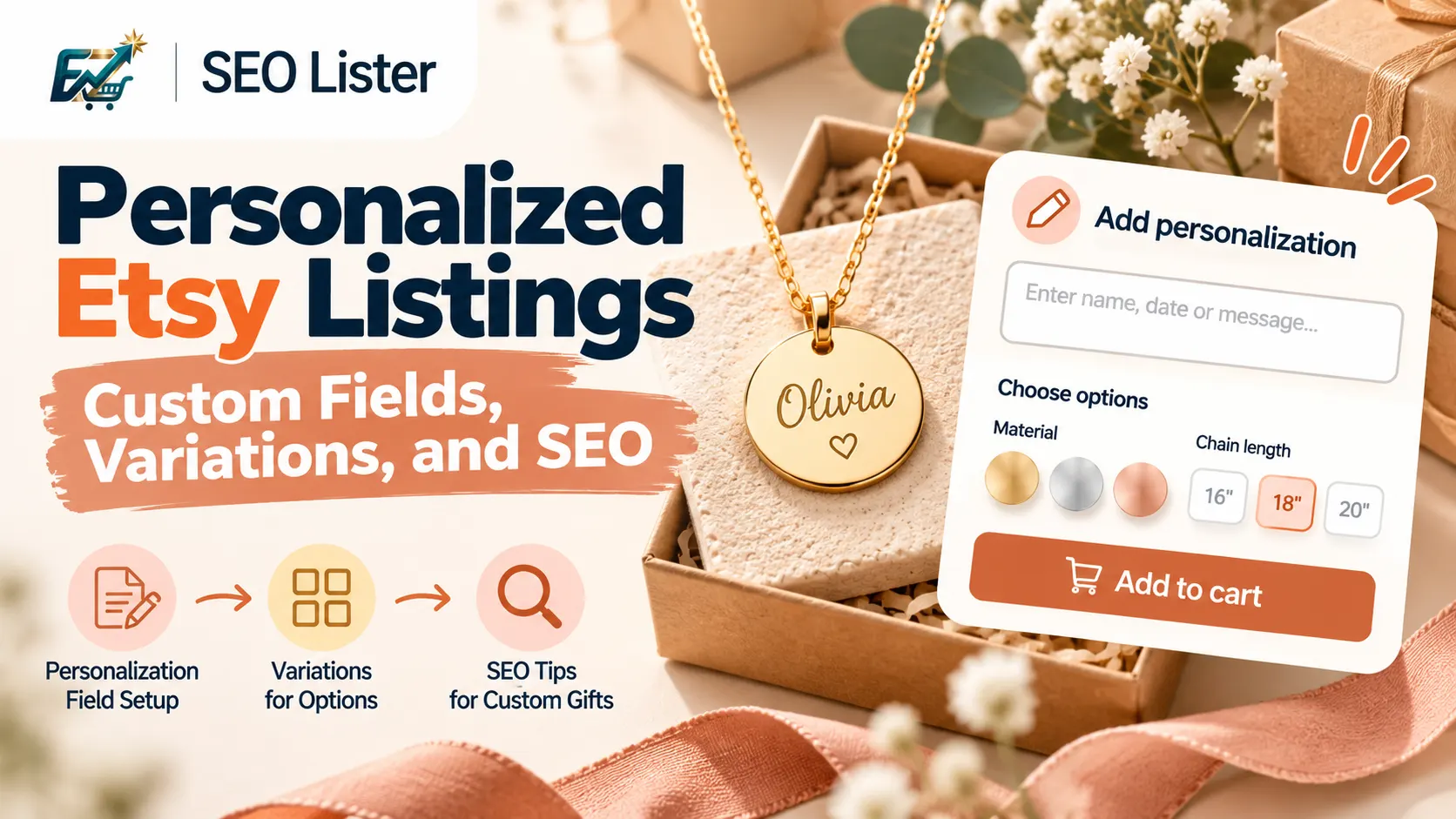
How to Set Up Personalized Etsy Listings (Custom Fields, Variations, and SEO)
Learn how to set up Etsy personalization fields, variations, and SEO for custom gifts. Write clearer instructions and create better product listings.
Etsy SEO
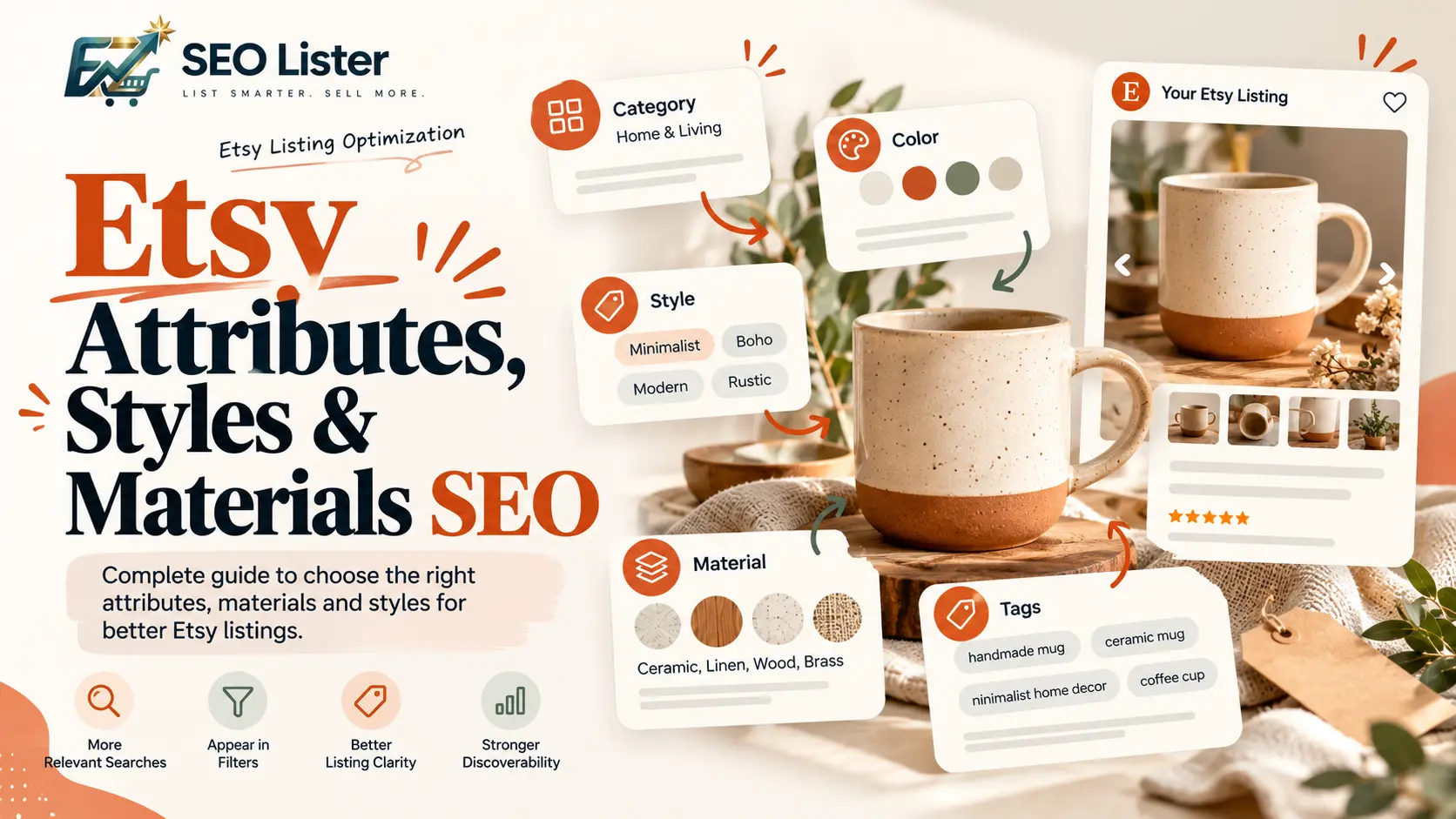
Etsy Attributes, Styles & Materials SEO: How to Optimize Your Listings
Learn how Etsy attributes, styles, and materials affect listing discoverability, how they differ from tags, and how to optimize each field accurately.
Etsy SEO
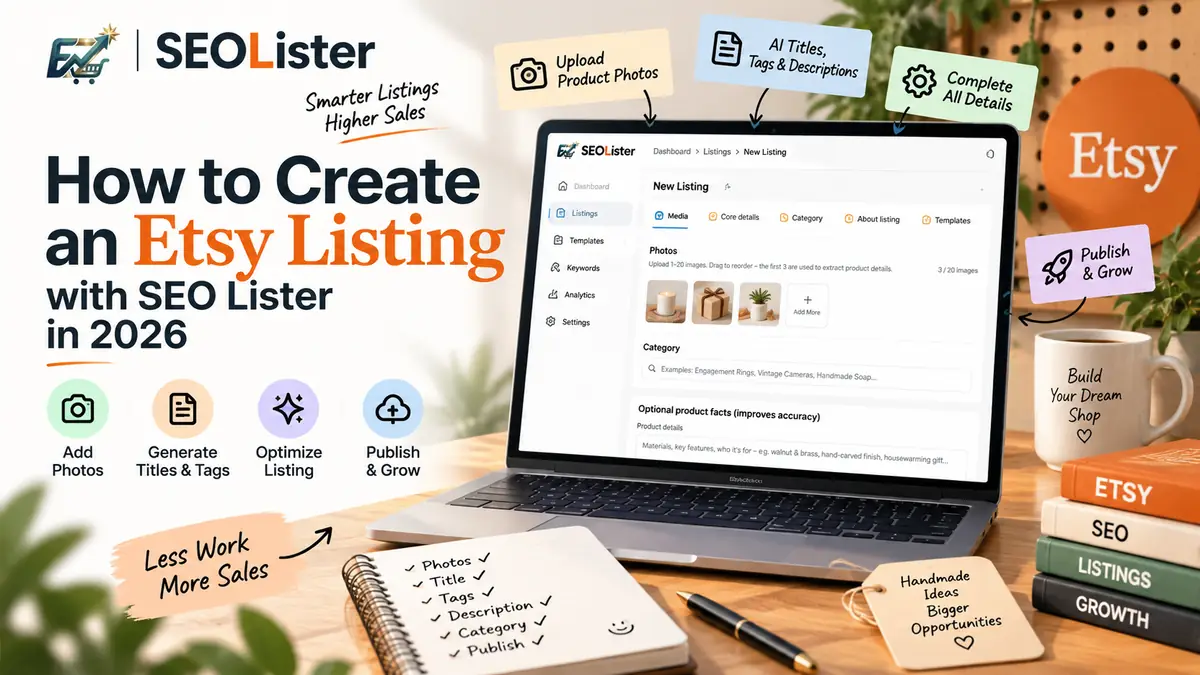
How to Create an Etsy Listing with SEOLister in 2026
Spending an hour per listing on titles and tags? Use an SEO-first create flow so new products go live complete—and searchable—the first time.