

Etsy now allows sellers to add up to two videos to each product listing. This gives sellers another opportunity to show product details, demonstrate how an item works, and help shoppers understand what they are buying.
SEOLister's listing video generator helps sellers create product videos from photos. You can prepare two different video assets for a product, then add them to the listing so shoppers can see more than one aspect of the item.
Instead of repeating the same product shot twice, use each video for a different purpose: one to introduce the product and another to show its details, features, or use.
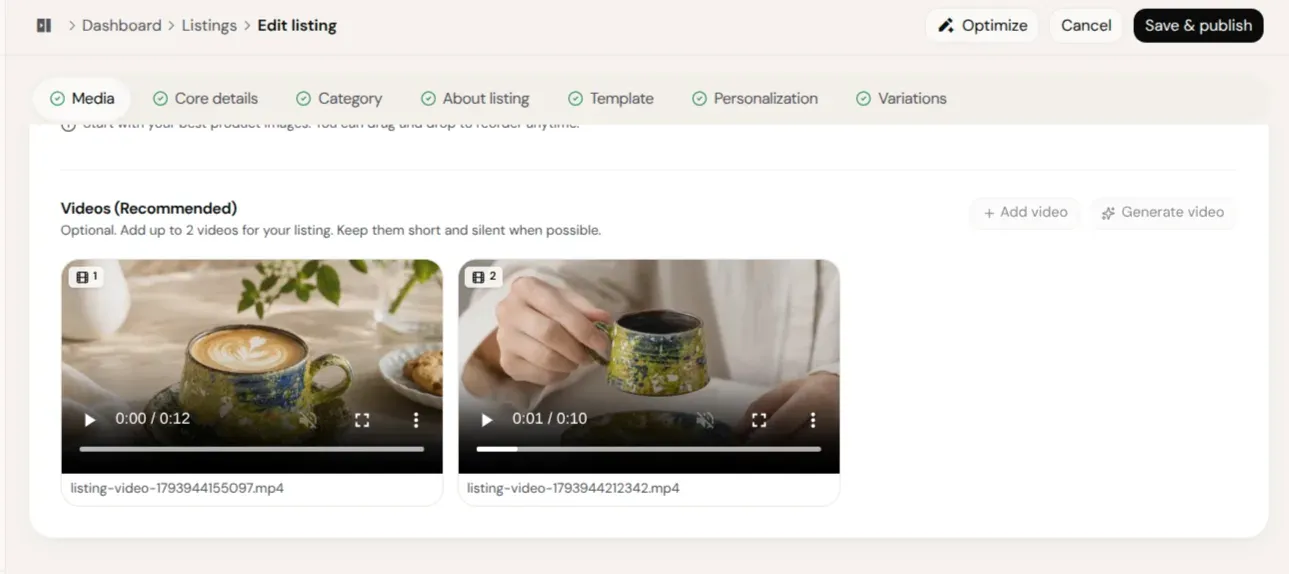
Etsy now supports two videos per listing
Etsy's official Help Centre instructions confirm that sellers can add up to two videos to a listing. This applies to the listing's Photo and video section.
Etsy also announced the completion of its multi-video migration on October 21, 2026. Its Etsy Open API announcement says the listing-video upload endpoint supports up to two active videos per listing for all sellers.
For sellers, the practical change is simple: you can now prepare two complementary videos instead of relying on a single video to communicate everything about a product.
Etsy listing video requirements
Before creating your videos, check Etsy's current technical requirements:
| Requirement | Etsy guidance |
|---|---|
| Videos per listing | Up to 2 |
| Video duration | 3–15 seconds |
| Maximum file size | 100 MB |
| Minimum resolution | 500 px |
| Recommended resolution | At least 1080 px |
| Aspect ratio | 2:1 or 1:2 |
| Accepted formats | MP4, MOV, FLV, AAC, AVI, 3GP, MPEG |
| Audio | Removed after upload |
These requirements come from Etsy's current Help Centre guidance. Check the live page before uploading because supported formats and limits can change.
Important: Since Etsy removes audio after upload, make sure the product is understandable through the visuals alone. Do not depend on voiceovers, music, or spoken instructions to explain an important feature.
How to use two videos effectively
Having two video slots does not mean you should upload two nearly identical clips. Give each video a clear purpose.
Video 1: Show the product
Use the first video to introduce the product and give shoppers a clear view of what they are considering.
For a handmade ceramic mug, your first video could show:
- The complete mug from the front.
- Its overall shape and design.
- The printed or painted artwork.
- A few different viewing angles.
The objective is to help shoppers understand the product quickly.
Video 2: Show the details or product in use
Use the second video to communicate something the first clip does not show.
For the same ceramic mug, you could show:
- A close-up of the artwork.
- The handle and finish.
- The inside of the mug.
- The mug being used in a real setting.
This gives shoppers another perspective without repeating the first video.
Two-video examples for different Etsy products
Personalized T-shirt
Video 1 — Design showcase: Show the full T-shirt, artwork placement, and available product appearance.
Video 2 — Print details: Show the print close-up, fabric texture, and another useful product angle.
Handmade ceramic mug
Video 1 — Product presentation: Show the complete mug, shape, colors, and artwork.
Video 2 — Lifestyle demonstration: Show the mug being held, used, or viewed from another angle.
The best video combination depends on the product. Apparel sellers may focus on fit and print details, while jewelry sellers may show scale, finish, and how a piece looks when worn.
Create Etsy listing videos from product photos with SEOLister
Creating individual product videos can become repetitive when you manage many Etsy listings. SEOLister helps simplify this work by turning product photos into listing videos.
You can use product images you already have to prepare video assets, rather than starting every video from a blank editing timeline.
How the workflow works
Step 1: Select your product photos
Choose clear images that show the product from useful angles. Use images that accurately represent the actual item.
Step 2: Generate a product video
Use the Free Etsy Listing Video Generator to turn your product photos into a video. Review the result to make sure the product remains visually accurate.
Step 3: Prepare a second video
Create another video with a different visual purpose. For example, use one video to present the complete product and another to focus on its details.
Step 4: Review both videos
Check that each clip meets Etsy's duration, file-size, format, and aspect-ratio requirements. Also make sure the product details are clear without audio.
Step 5: Add the videos to your Etsy listing
Open the relevant listing in Etsy Shop Manager, go to Photo and video, and upload your prepared videos. You can also add videos through the Etsy Seller app.
Tips for making better Etsy product videos
Give each video a different purpose
Avoid using two clips that show exactly the same thing. Make one an introduction and the other a demonstration or detail view.
Keep the important details visible
Use clear product images and simple movement. The product should remain the focus of the video.
Do not rely on audio
Etsy removes audio from listing videos after upload. Communicate important product information visually.
Show the real product accurately
Avoid animations or effects that change the product's appearance, size, color, or features. A video should help shoppers understand what they will receive.
Check the final file before uploading
A video generated from photos may still need adjustment before it meets Etsy's requirements. Verify the duration, resolution, file size, format, and aspect ratio.
Make your Etsy listings more visual with SEOLister
Etsy's two-video allowance gives sellers more room to present their products. The important part is using those video slots thoughtfully.
SEOLister helps turn product photos into listing video content, so you can prepare product-focused visuals as part of your listing workflow. Create a product introduction, prepare a second clip for details, review both, and add them to your Etsy listing.
Create your next Etsy listing video with SEOLister.
Explore all SEOLister features
Frequently asked questions
Can you add two videos to one Etsy listing?
Yes. Etsy currently allows up to two videos per listing. You can add them through the Photo and video section in Etsy Shop Manager or the Etsy Seller app.
How long can an Etsy listing video be?
Etsy listing videos can be between 3 and 15 seconds long. Check the current Etsy Help Centre requirements before preparing your files.
Does Etsy listing video support audio?
Etsy removes audio from listing videos after upload. Make sure your videos communicate the important product details through visuals rather than relying on music or voiceovers.
Can I create Etsy listing videos using product photos?
Yes. You can use product photos to create video content with a suitable video-generation tool. SEOLister supports generating listing videos from product photos, which you can review and prepare for your Etsy listing.
Should I use the same video twice?
It is better to give each video a different purpose. Use one to present the overall product and the other to show details, features, or the product in use.
What video format does Etsy accept?
Etsy lists MP4, MOV, FLV, AAC, AVI, 3GP, and MPEG among its accepted file types. Its current guidance also specifies a maximum file size of 100 MB.
Does uploading two videos guarantee better Etsy rankings?
No. Etsy says listing videos can help improve how listings appear in Etsy search, but uploading two videos does not guarantee higher rankings, more views, or sales. Focus on making accurate and useful product content.
Etsy SEO
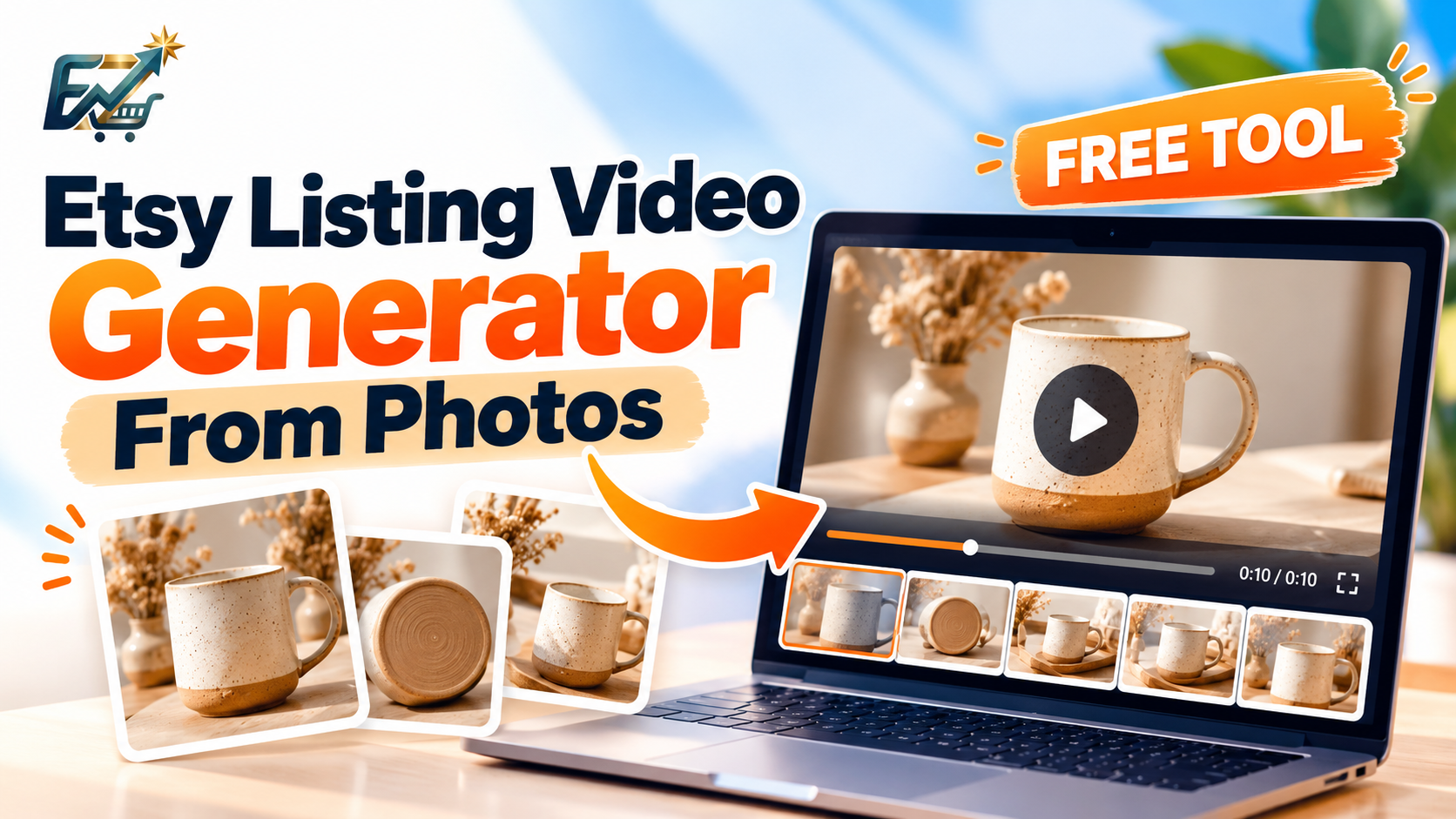
Etsy Listing Videos From Photos: How to Create Product Videos for Free
Turn product photos into a short Etsy listing video without filming or a full editor. SEOLister's free generator builds a silent MP4 in your browser.
Etsy SEO
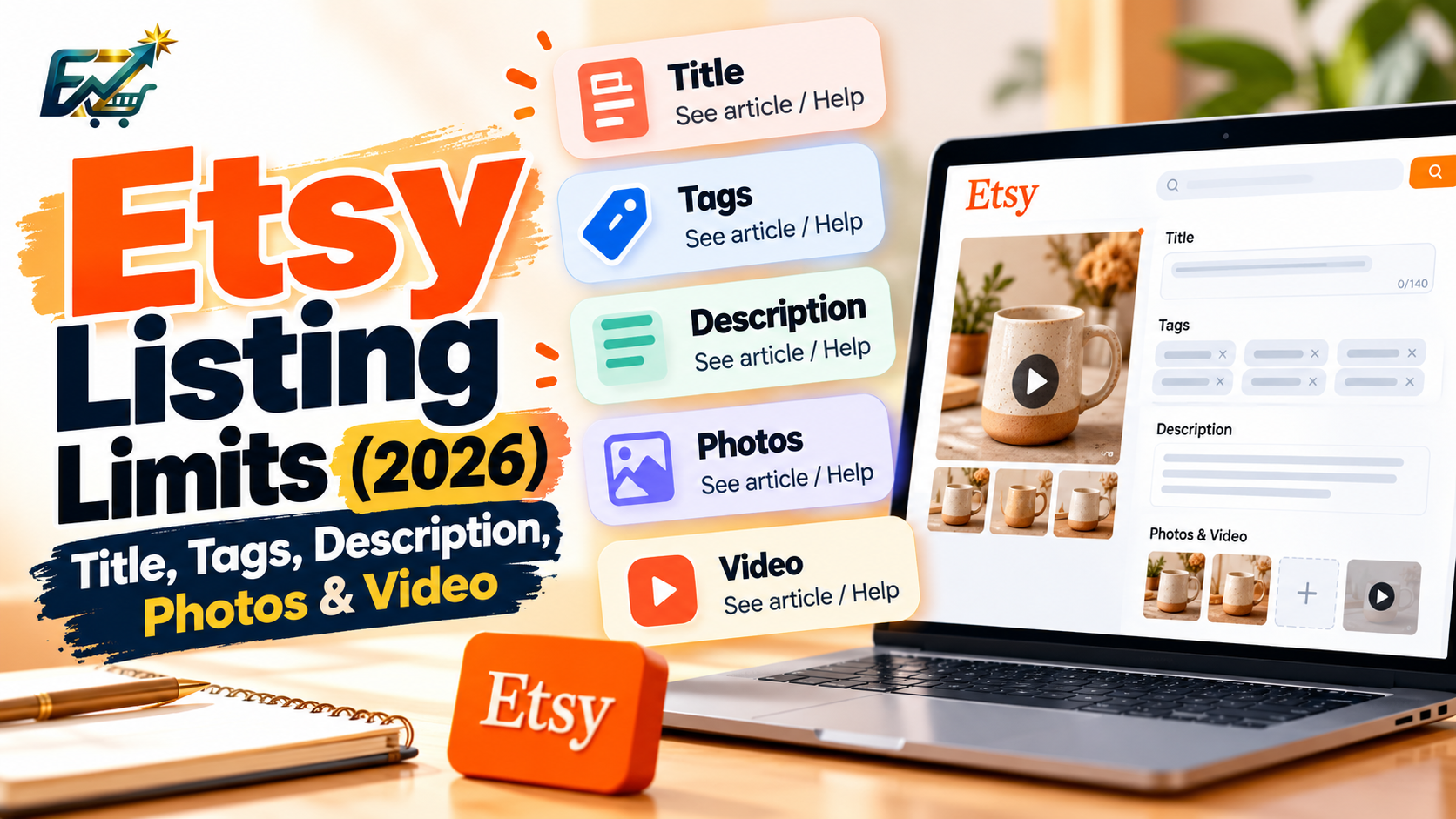
Etsy Listing Limits (2026): Title, Tags, Description, Photos & Video
Etsy listing limits for titles, 13 tags, descriptions, photos, and videos in one place. Confirm the live rules in Etsy Help before you publish.
Etsy SEO
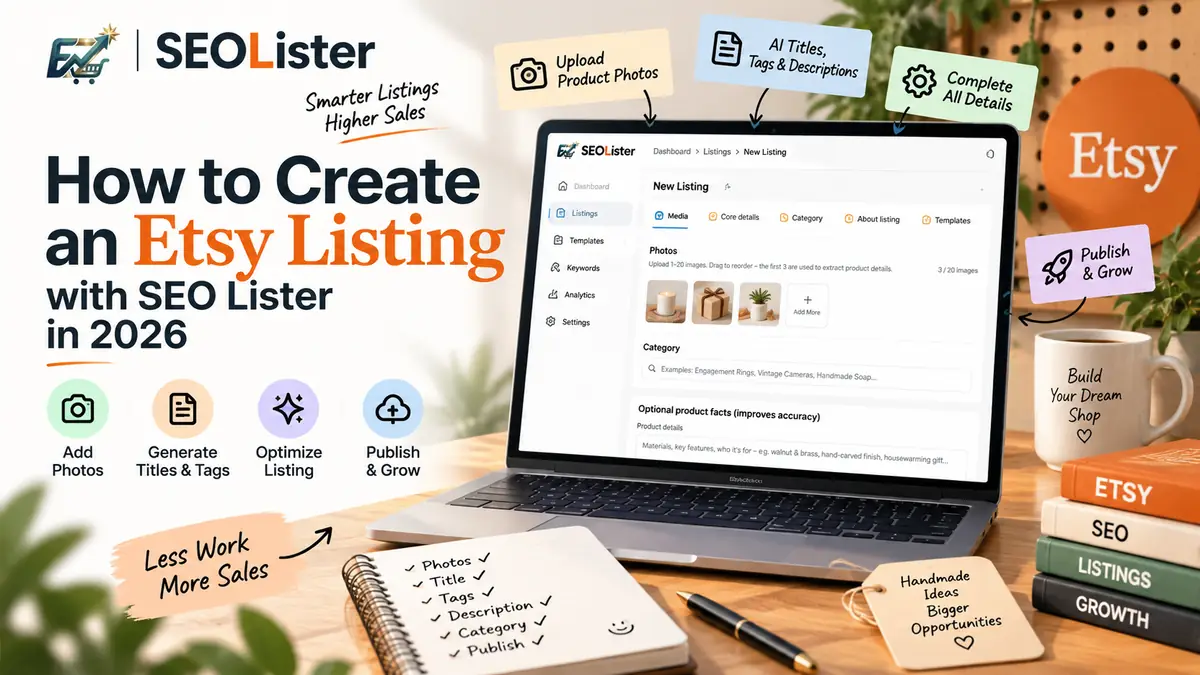
How to Create an Etsy Listing with SEOLister in 2026
Spending an hour per listing on titles and tags? Use an SEO-first create flow so new products go live complete—and searchable—the first time.