
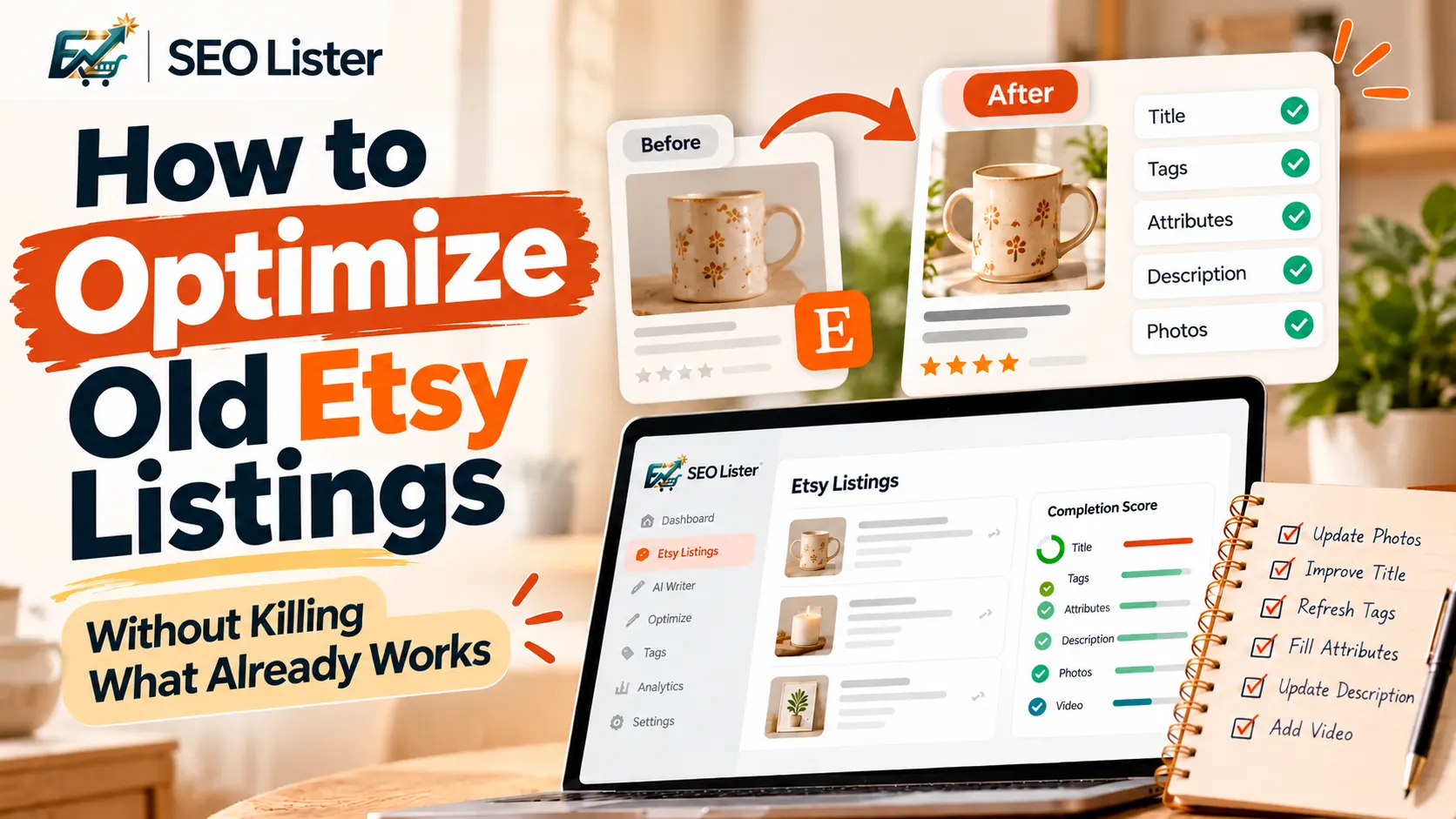
Refreshing old Etsy listings means improving weak fields—such as title clarity, tags, attributes, photos, and product descriptions—while protecting the elements that already help generate orders. The safest approach is to diagnose the problem first, change one layer at a time, and keep accurate product information. Etsy’s title guidance and your own order history can help you decide what to preserve and what to improve.
You do not need to rewrite every listing in your shop. Some listings need better photos, while others need clearer titles, more relevant tags, or missing product details. The goal is to make each listing more useful to shoppers without making unnecessary changes.
Quick Answer: Refresh vs. Rewrite
Refreshing an old Etsy listing means improving selected parts of an existing listing rather than rebuilding everything from scratch.
Start by reviewing its performance, current title, tags, attributes, photos, description, and order history. Keep accurate information and phrases associated with past sales. Then update the fields that have an identifiable problem.
A complete rewrite may be appropriate when the listing no longer describes the product accurately or its content is fundamentally unclear. Otherwise, targeted improvements are easier to evaluate.
Etsy allows sellers to edit existing listings without an editing fee, and the listing remains available to shoppers while edits are being made. You can also use Etsy's listing-editing guidance to review the available options.
When Does an Old Etsy Listing Need Work?
An older listing is not automatically a bad listing. Age alone is not a reason to change it. Look for observable signs that something may need attention.
1. Low engagement compared with similar listings
Compare the listing with other products in your own shop. If similar products receive more visits or interest, investigate the differences.
Check whether the weaker listing has a less descriptive title, fewer useful photos, incomplete attributes, or an unclear description. These are possible explanations, not proof of a particular cause.
2. Outdated or unclear photos
A primary image that is dark, blurry, or difficult to understand can make a product harder to evaluate. Review whether the first image clearly shows the actual item and whether additional photos answer questions about size, materials, variations, or use.
Etsy's listing-editing guidance identifies image quality and missing listing details among the issues sellers can review through Search Visibility.
3. Missing or inaccurate attributes
Attributes provide structured information about a product. Check whether relevant options such as color, material, size, or style are completed accurately for the selected category.
Do not add attributes simply because they sound like desirable keywords. Each selection should describe the actual item. See Etsy's guide to listing attributes.
4. A title that is difficult to read
Older titles may contain repeated keywords, promotional language, or too many phrases competing for attention.
Etsy's updated 2026 guidance recommends clearly identifying the item, placing important characteristics near the beginning, and avoiding unnecessary repetition. Review the official title guidance before changing an established title.
Protect What Already Works
Before editing, identify the parts of the listing that may be contributing to its success.
If a listing still generates orders, do not assume that every field needs to change. Preserve accurate product details, useful search phrases, and information that helps buyers understand why the item suits their needs.
Use this simple decision framework:
| Keep or protect | Review or change |
|---|---|
| Relevant phrases associated with past orders | Repeated or confusing title wording |
| Accurate product specifications | Missing or incorrect attributes |
| Photos that clearly represent the item | Dark, blurry, or outdated photos |
| Useful description details | Missing personalization or shipping information |
| Product information consistent with customer expectations | Outdated claims or incorrect details |
Your order history is useful context, but it cannot prove that one particular keyword caused a sale. Treat it as evidence to consider rather than a guarantee that a phrase must never change.
Before making substantial edits, save a copy of your current listing information. Etsy also recommends downloading a listing CSV before using its title-update suggestions, so sellers can refer to their original information and reuse relevant details when appropriate.
The principle is simple: protect the useful parts first, then improve the parts you can identify as weak.
Field-by-Field Refresh Order
Use the following sequence to review a listing. It gives you a consistent process and makes it easier to document what changed.
1. Review photos and the first image
Start with the visual presentation.
Ask yourself:
- Can shoppers immediately identify the product?
- Does the first photo accurately represent what they will receive?
- Are important details visible at thumbnail size?
- Do additional images show scale, materials, variations, or the product in use?
- Have the product, packaging, or available options changed?
Replace an image only when you have a meaningful improvement. Do not change a successful primary photo simply because you want the listing to look different.
2. Refresh the title
The title should explain what the item is and highlight its most important characteristics.
Etsy's April 2026 guidance recommends:
- Clearly stating the product.
- Including important characteristics such as color, material, and size when relevant.
- Keeping the title readable and easy to scan.
- Avoiding repeated words and unnecessary promotional language.
- Moving subjective terms such as “beautiful” or “perfect” out of the title.
For example:
Before: Beautiful Perfect Gift for Her Custom Necklace Personalized Necklace Birthday Gift
After: Personalized Birthstone Necklace, Custom Silver Pendant
The revised example is clearer, but it should only be used if the product genuinely has those characteristics. Never introduce a material, feature, or personalization option that the item does not offer.
For more guidance, read How to Write Etsy Titles That Get Found.
3. Review the tags
Tags should represent relevant ways shoppers might search for your product. Look for tags that are repetitive, too broad, inaccurate, or no longer appropriate.
For each listing:
- Identify the exact product and its main purpose.
- Review the current tags for relevance.
- Keep useful phrases that accurately describe the item.
- Replace weak or repetitive tags with relevant alternatives.
- Check that the new tags reflect real product characteristics or buyer intent.
Do not change every tag just to make the listing appear newly optimized. If a tag is relevant and still supports your strategy, there is no automatic reason to remove it.
Use the Etsy Tags Guide for a more detailed approach.
4. Check categories, attributes, styles, and materials
Review the selected category first. Then check whether the available attributes accurately describe the product.
Depending on the listing, this may include color, material, size, style, occasion, or other characteristics. The options available depend on the category.
Keep these details consistent with the title, photos, and description. If your listing says a product is made from a particular material, the selected attributes should support that same factual description.
For attribute details, see Etsy attributes.
5. Update description facts
Descriptions can become outdated even when the product itself has not changed.
Check:
- Dimensions and materials.
- What is included with the purchase.
- Available variations.
- Personalization instructions.
- Care instructions.
- Processing and shipping information.
- Any statements that no longer accurately describe the product.
Make the opening clear so buyers quickly understand what the item is. Then organize the remaining information so shoppers can find the details they need.
Avoid rewriting an accurate description solely to insert more keywords. Prioritize useful, specific product information.
For more help, read How to Write Etsy Descriptions.
6. Consider adding or updating a listing video
A video can help shoppers understand how an item looks or works. Consider one when movement, texture, scale, or product use is difficult to communicate through photos alone.
For example, a video may be useful for showing a rotating piece of jewelry, the movement of a fabric item, or a product being used.
Only add a video when it provides useful information and accurately represents the item. Check Etsy's current listing video guidance for the latest requirements.
You can also review how to create Etsy listing videos from photos.
A Batch Workflow for Refreshing an Etsy Catalog
If your shop contains many older listings, use a repeatable workflow rather than editing everything at once.
Step 1: Create a shortlist
Review your listings and identify those with observable issues. You might prioritize listings with outdated photos, incomplete fields, unclear titles, or performance that differs from similar products.
You can also consult Etsy's Search Visibility page for the listing issues it identifies.
Step 2: Record the starting point
Before editing, save the current title, tags, important description details, and other relevant information. Note the listing's recent performance using the data available in your shop.
This gives you a reference point when you evaluate the changes later.
Step 3: Group listings by the type of work needed
For example, create separate groups for:
- Listings needing photo improvements.
- Listings with unclear titles.
- Listings with incomplete attributes.
- Listings with outdated descriptions.
- Listings needing a broader review.
Grouping similar tasks can make a large catalog easier to manage.
Step 4: Make targeted changes
Work through one listing or a small group of similar listings. Document which fields you changed and why.
Avoid changing every field simultaneously if you want to understand which adjustments may have contributed to a later difference in performance.
Step 5: Publish and monitor
After publishing, give the changes time to be reflected in your shop's data. Compare an appropriate period before and after the update, while remembering that seasonality, competition, pricing, and other factors may also influence results.
There is no universal waiting period or guaranteed outcome for a listing refresh. Avoid drawing strong conclusions from a small amount of data.
Mistakes That Can Undermine a Listing Refresh
Rewriting everything at once
Changing the title, tags, photos, and description simultaneously makes it harder to identify which changes were useful. Make focused edits when possible.
Keyword stuffing the title
Adding more phrases does not automatically make a title better. Follow Etsy's current guidance and prioritize clarity, accuracy, and readability.
Choosing the wrong category
A category should describe the actual product. An inaccurate category or attribute can mislead shoppers and make the listing less relevant to the intended audience.
Deleting and recreating a listing without a reason
Do not assume that deleting and relisting is necessary to refresh a product. Editing an existing listing lets you work with the listing already in your shop. Before replacing one, consider its existing order history, reviews, favorites, and other context.
Treating every performance change as proof
A listing's performance can change for many reasons. A later increase or decrease does not, by itself, establish that one edit caused the result. Record changes and evaluate them carefully.
How SEOLister Helps You Prioritize Listing Updates
SEOLister helps Etsy sellers work with existing listings and review listing completeness so they can prioritize optimization tasks instead of manually checking every field from scratch.
Depending on the workflow, you can sync existing listings, review a completion score, regenerate or edit listing fields, and publish changes to Etsy.
The completion score is a field-completeness checklist—not Etsy's Search Visibility score, ranking measurement, or a prediction of sales. Use it to spot missing information, then apply your judgment to decide what each listing actually needs.
Explore SEOLister's features to see how its listing tools fit into your workflow.
Refresh Your Listings With a Clear Plan
Old Etsy listings can contain useful product information and a history worth preserving. Instead of rewriting your catalog indiscriminately, identify the actual problem, protect what remains useful, and improve one layer at a time.
Use Etsy's current guidance, review your shop's own data, and verify that every updated field accurately describes the product. A structured workflow makes catalog maintenance easier to repeat and helps you understand what you changed.
Explore SEOLister to streamline your Etsy listing optimization workflow.
Read the Complete Etsy SEO Guide for guidance on titles, tags, attributes, and listing quality.
Sources and Further Reading
Frequently Asked Questions
Should I update old Etsy listings or create new ones?
Update an existing listing when the product is still accurate and the problems can be addressed through focused edits. Consider creating a new listing when you are genuinely offering a different product or variation that deserves its own listing, rather than using relisting as an automatic SEO tactic.
Can editing an Etsy listing hurt its performance?
There is no universal outcome for every edit. Changes can affect how shoppers understand the product and how the listing matches searches, so preserve useful information and make deliberate updates. Review the results over an appropriate period rather than assuming that editing will automatically help or harm performance.
How often should I refresh old Etsy listings?
There is no fixed schedule that suits every shop. Review listings when you notice outdated information, incomplete fields, changes to the product, or performance that warrants investigation. A periodic catalog review can help you catch issues before they are forgotten.
Should I change a title if the listing still makes sales?
Not automatically. Review whether the title is accurate and clear, and preserve relevant product phrases where appropriate. If you decide to change it, save the original and evaluate the result rather than assuming a rewrite will perform better.
Do Etsy tags and attributes need to be updated together?
Review them together because they describe the same product from different angles. Update whichever fields are inaccurate, repetitive, or incomplete, while ensuring that your tags, attributes, title, and description remain consistent.
What is the SEOLister completion score?
SEOLister's completion score helps sellers review whether listing fields are complete and identify potential gaps. It is not Etsy's Search Visibility score and does not measure or guarantee a listing's ranking, traffic, or sales.
How do I know whether a listing refresh worked?
Compare relevant shop data from an appropriate period before and after the change. Consider the goal of the edit—for example, improving unclear product information or correcting incomplete attributes—and account for other factors that may influence performance. Avoid attributing every change to a single edit without supporting evidence.

Etsy SEO
How to Write Etsy Titles That Get Found in 2026
Titles that sound clever but never rank? Learn keyword placement shoppers actually type so your listings show up before competitors do.
Etsy SEO
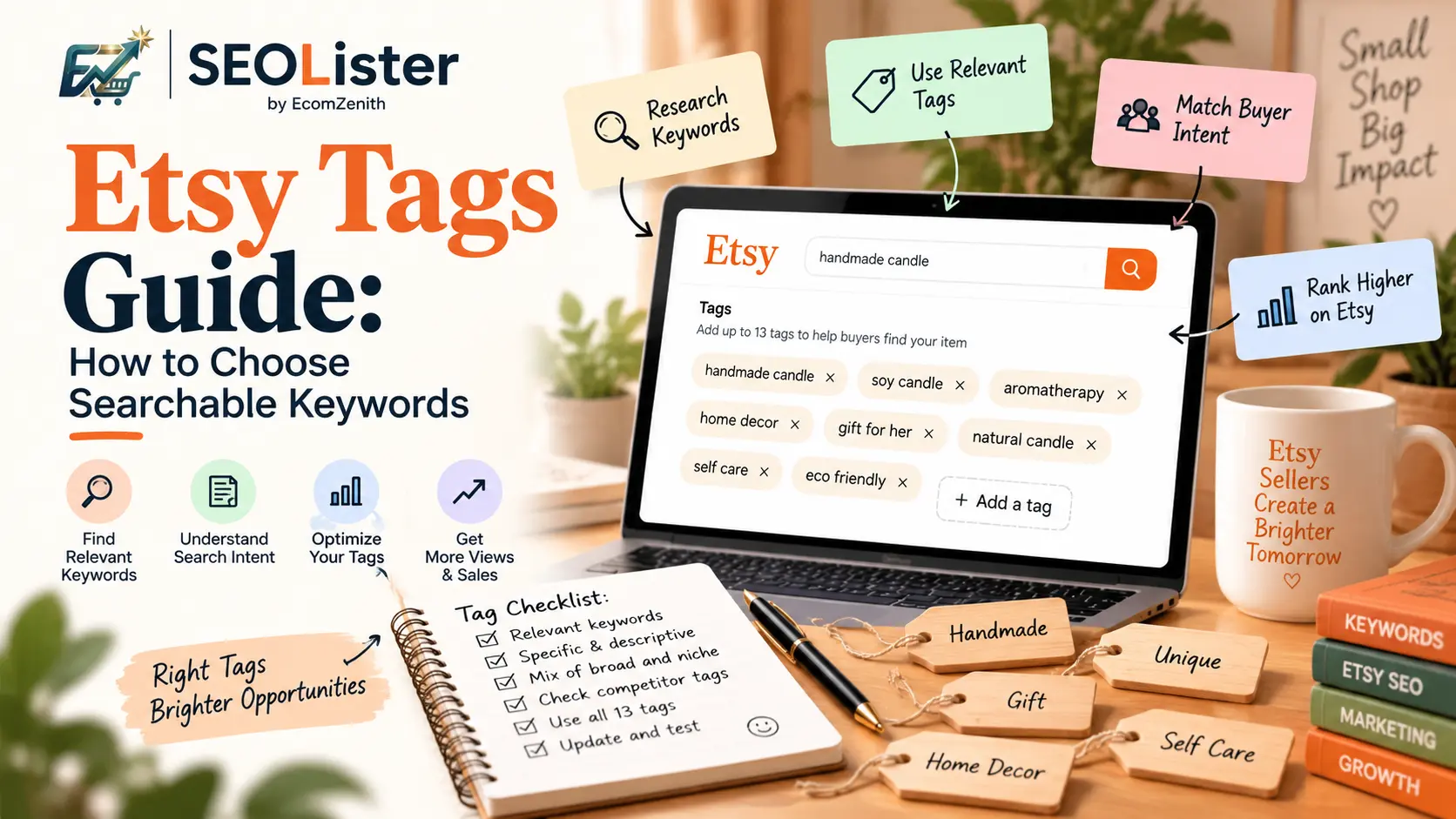
Etsy Tags Guide: How to Choose Searchable Keywords
Learn how to choose all 13 Etsy tags using specific, buyer-focused search phrases that can help your listings match relevant Etsy searches.

Etsy SEO
How to Write Etsy Descriptions That Sell (Not Keyword Walls)
Learn how to write Etsy product descriptions that explain features, materials, and use cases—supporting SEO and buyer confidence without keyword stuffing.